
Tattoo Enthusiasts
Upload an existing design, circle what feels outdated, and let AI generate a fresh tattoo redesign before making any real commitment.
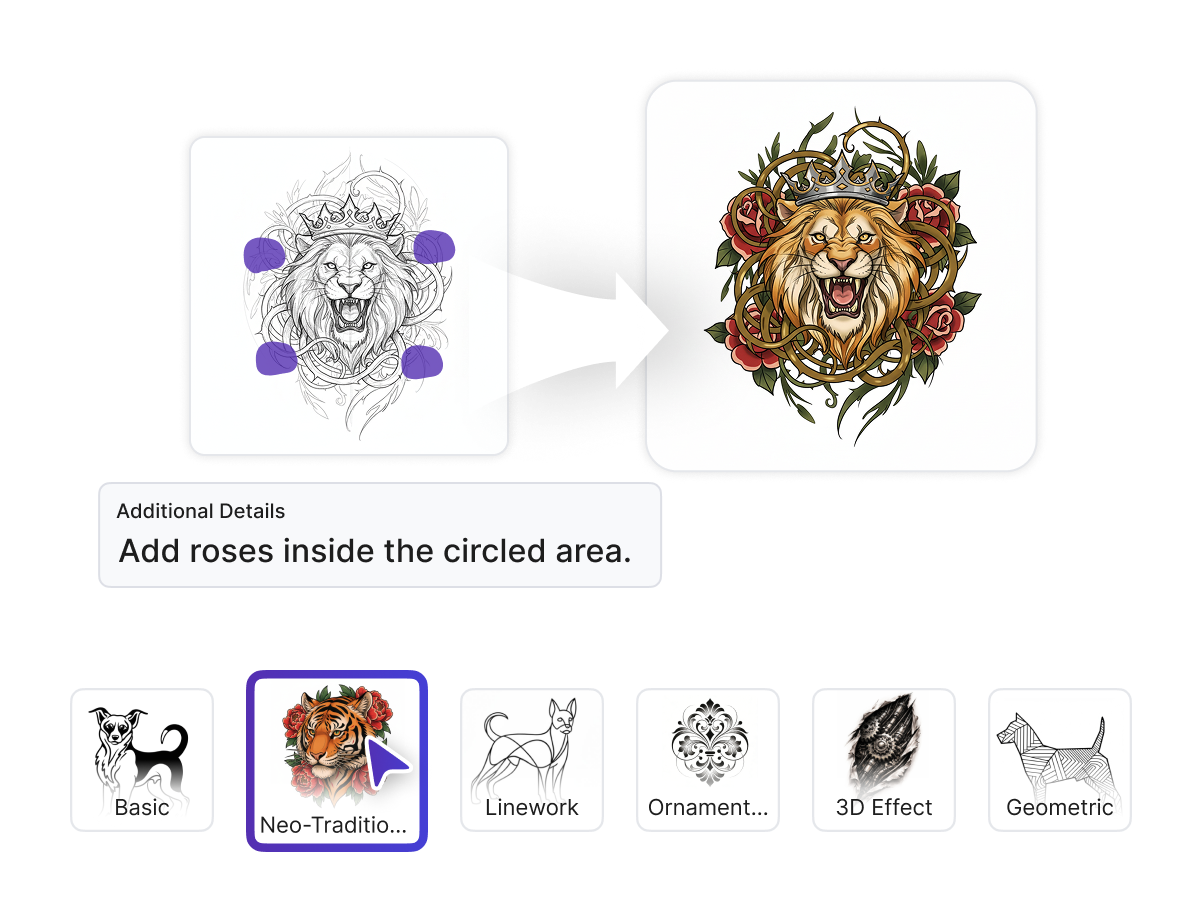
Tattoo Remix is a free AI tattoo image editor that lets you upload any tattoo design, circle the areas you want to change, describe your vision, and instantly generate a redesigned result.
 Pro
Pro 

Tattoo Remix is for anyone who wants to remix, rework, or upgrade an existing tattoo design without starting from scratch.
Upload an existing design, circle what feels outdated, and let AI generate a fresh tattoo redesign before making any real commitment.

Rework client reference images, remix tattoo concepts, and explore design variations quickly without redrawing everything by hand.

Apply different styles and placements to tattoo artwork and produce polished rework visuals for pitches, merch, or client proposals.
It lets you remix, rework, and redesign any tattoo image faster and more freely than ever.
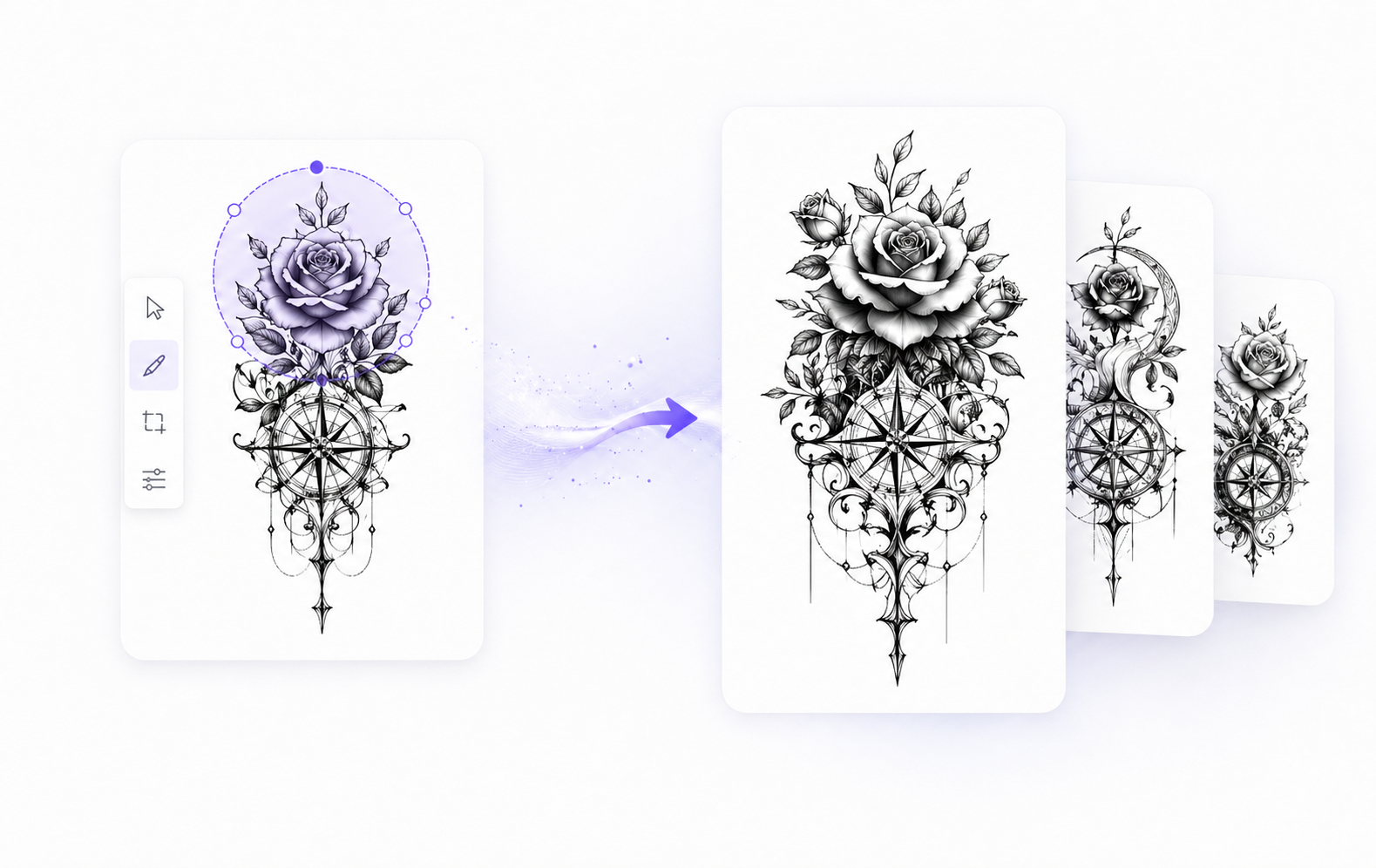
Tattoo Remix is a free online AI tattoo image editor that lets you upload any tattoo design, circle specific areas you want reworked, add a custom prompt describing the changes, choose a style from the library or define your own, and generate a clean, high-quality redesigned result in one click.
Create your dream birth flower tattoos with AI in seconds. You don’t need any design skills or to hire a professional designer. With our free online AI Birth Flower Tattoo Generator, you can effortlessly create beautiful and unique tattoo designs that truly represent you.
Open Tattoo Editor, upload any existing tattoo photo or design file.
Circle the areas to rework, type a prompt, and choose your style and placement.
Click once to generate, then download a watermark-free, high-quality redesign file.
Every tool in Tattoo Remix is built to give you full creative control over how an existing tattoo is remixed, reworked, and refined.
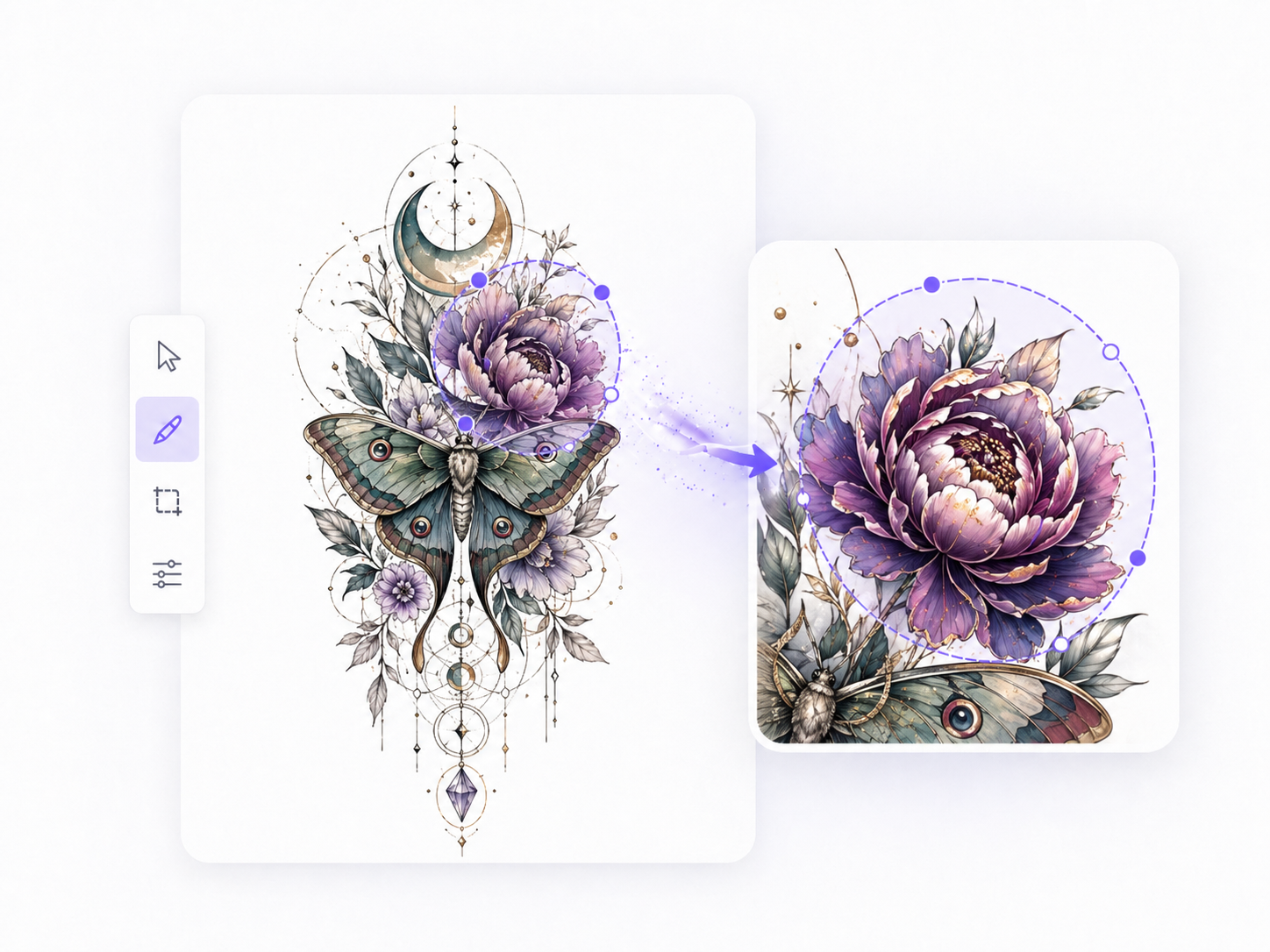
Draw directly on the uploaded image to circle the specific areas you want the AI tattoo editor to change, so only those parts are redesigned while the rest stays intact.
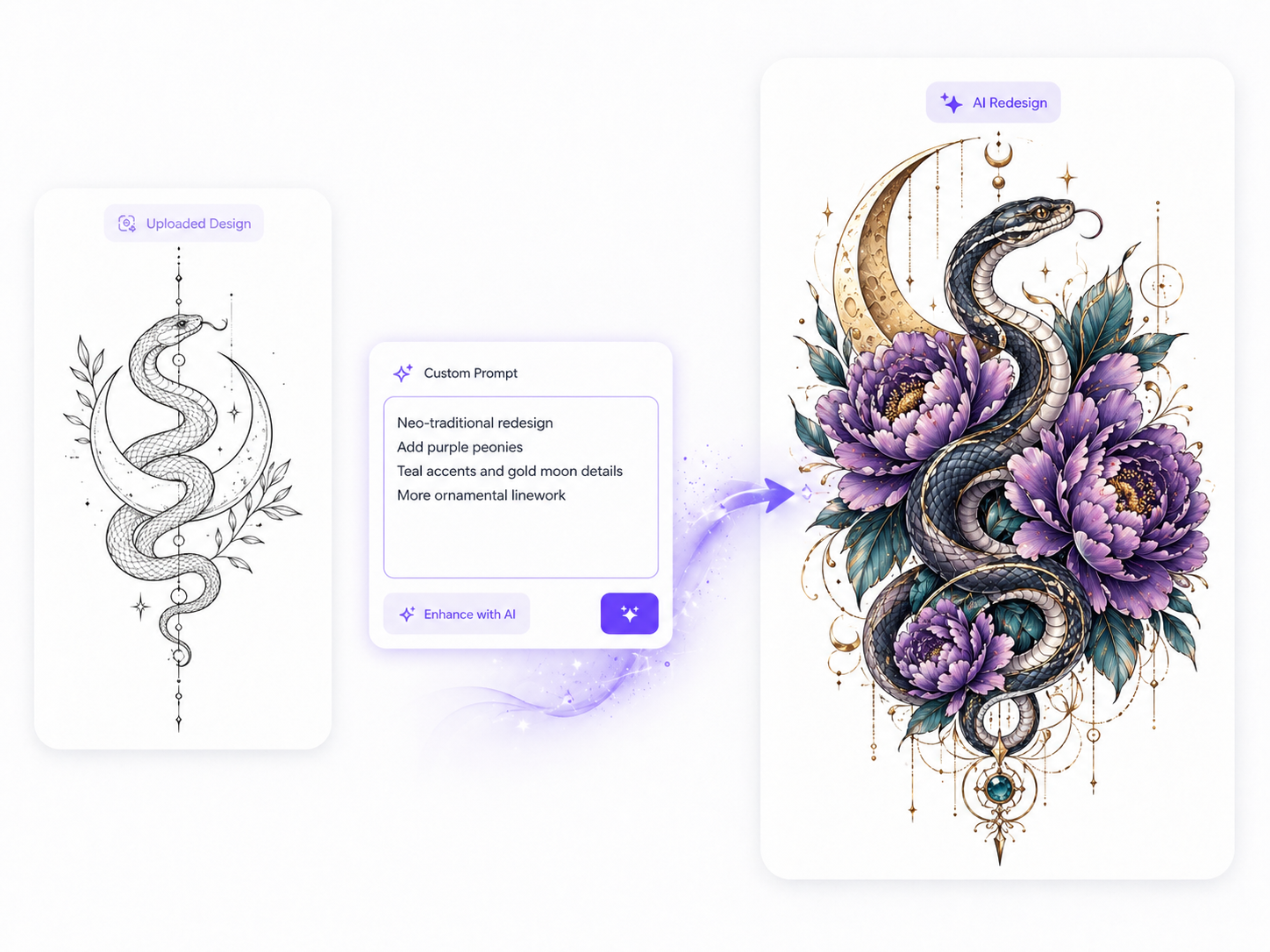
Type a detailed prompt describing exactly how you want the tattoo rework to look - from style direction to specific elements - so the AI redesigns with full context and accuracy.
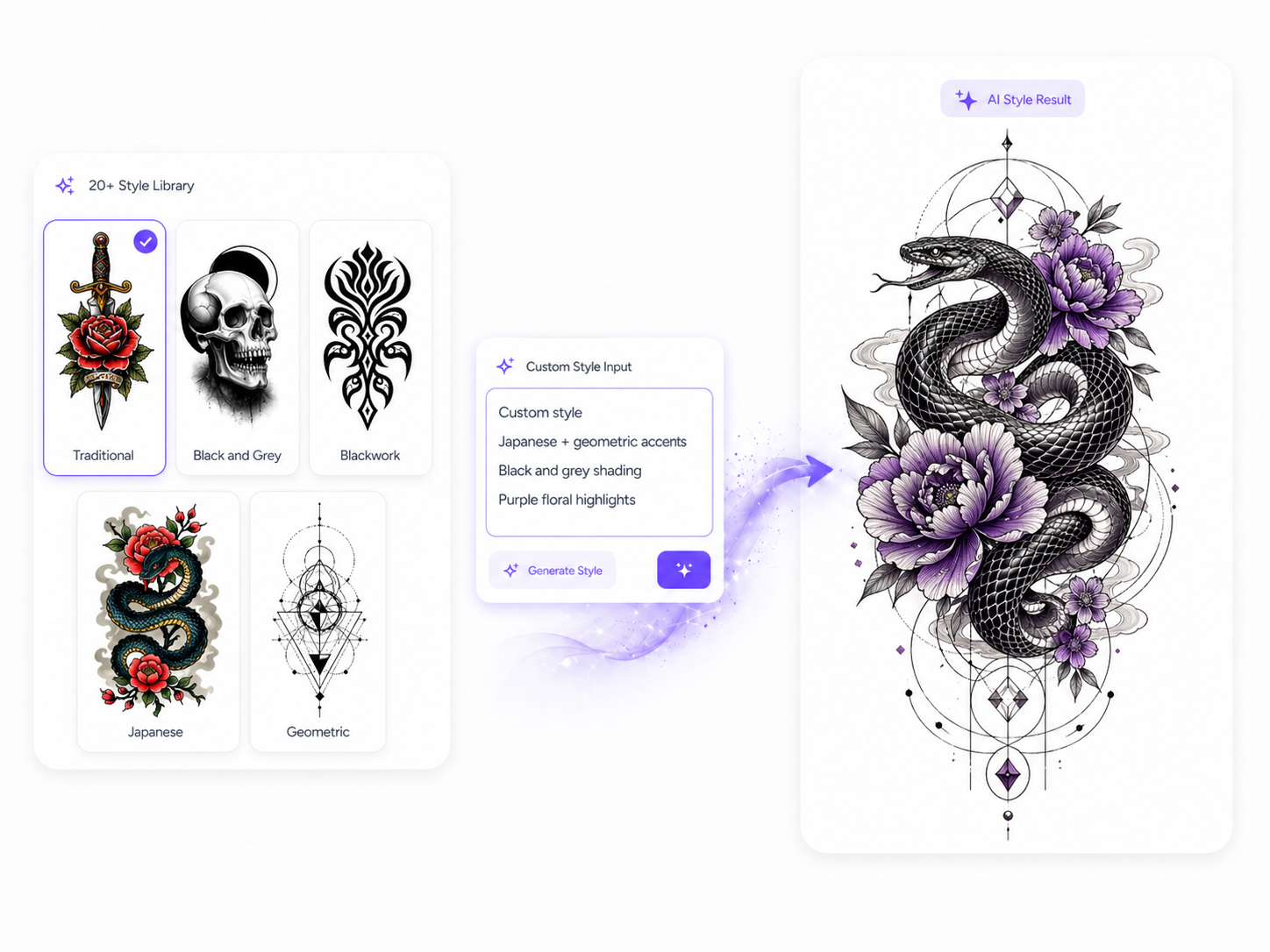
Choose from a library of curated tattoo styles - including traditional, blackwork, geometric, and fine-line - or define your own custom style to generate a fully personalized tattoo remix.
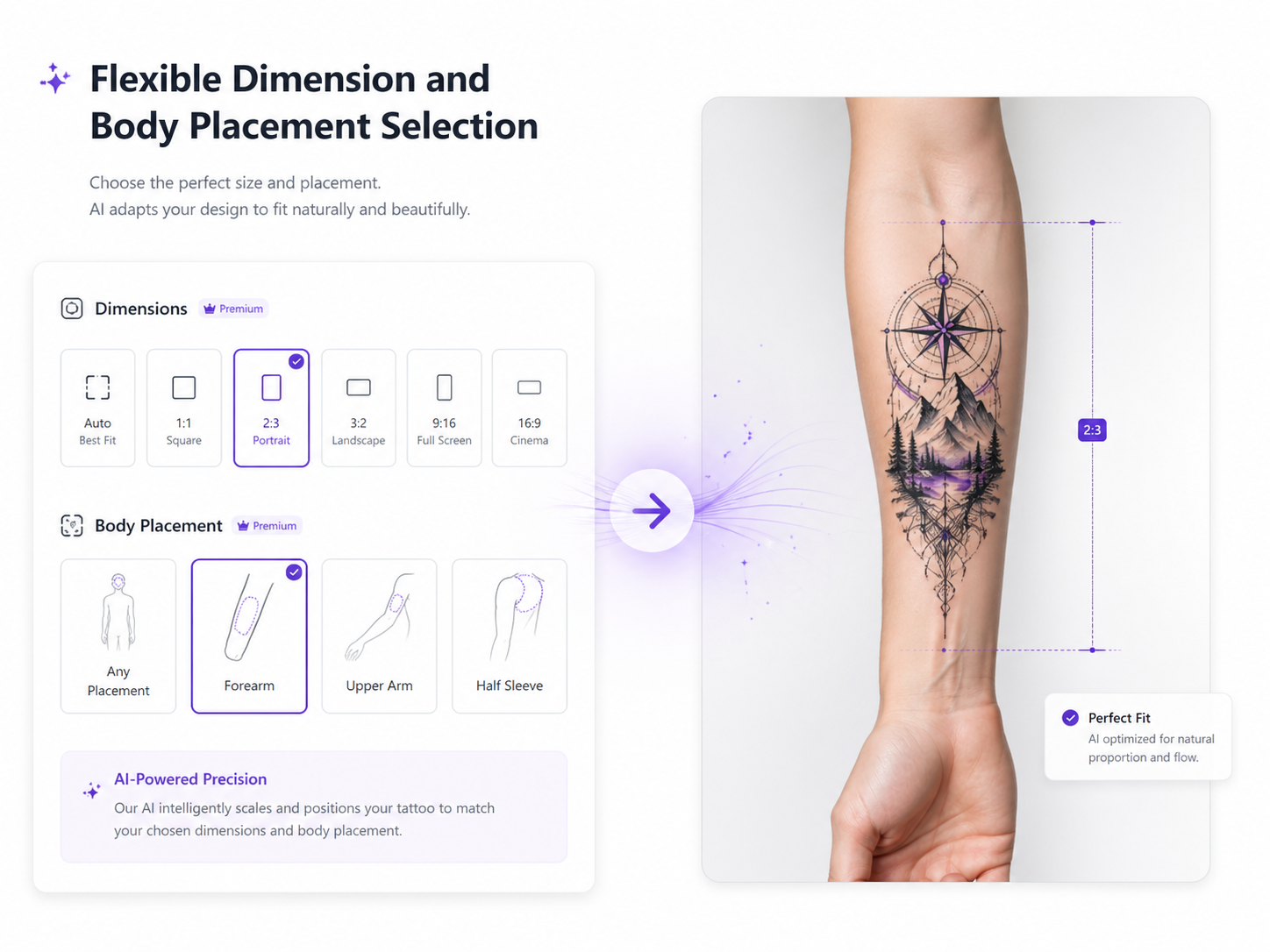
Set the exact size and choose the body placement for your redesigned tattoo, ensuring every AI-generated result is proportioned correctly and ready for real studio use.
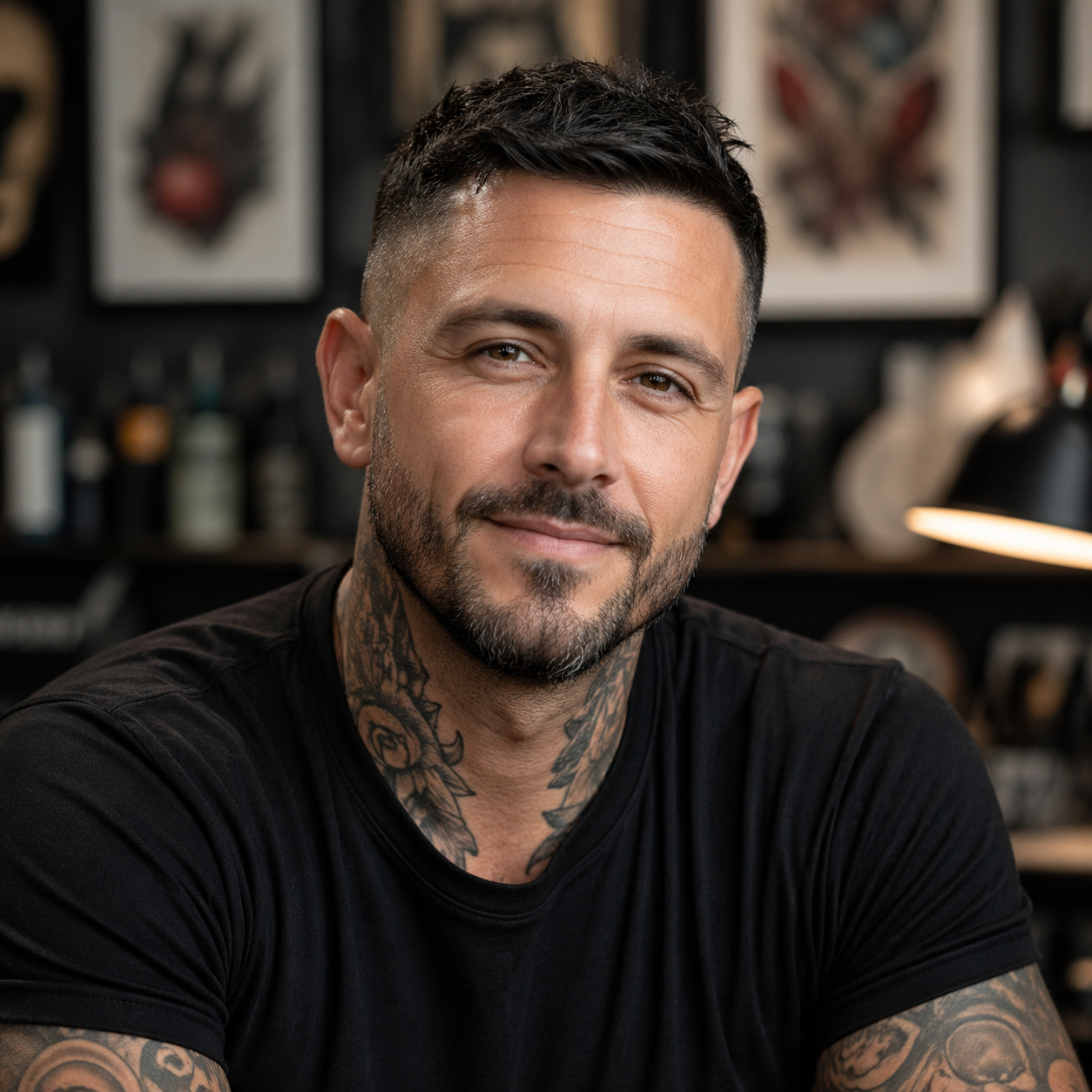
A client came in wanting a full tattoo makeover - an old piece that had faded and lost its meaning. Before Tattoo Editor, I would have spent hours sketching rework concepts by hand just to show rough options. Instead, I uploaded the photo, circled the areas that needed redesigning, typed a quick prompt describing the new direction, and the AI generated three clean redesign variations in minutes. The client picked one on the spot, and we moved straight into planning the session. What used to be a long back-and-forth is now a fast, visual conversation that gets us both excited about the result.
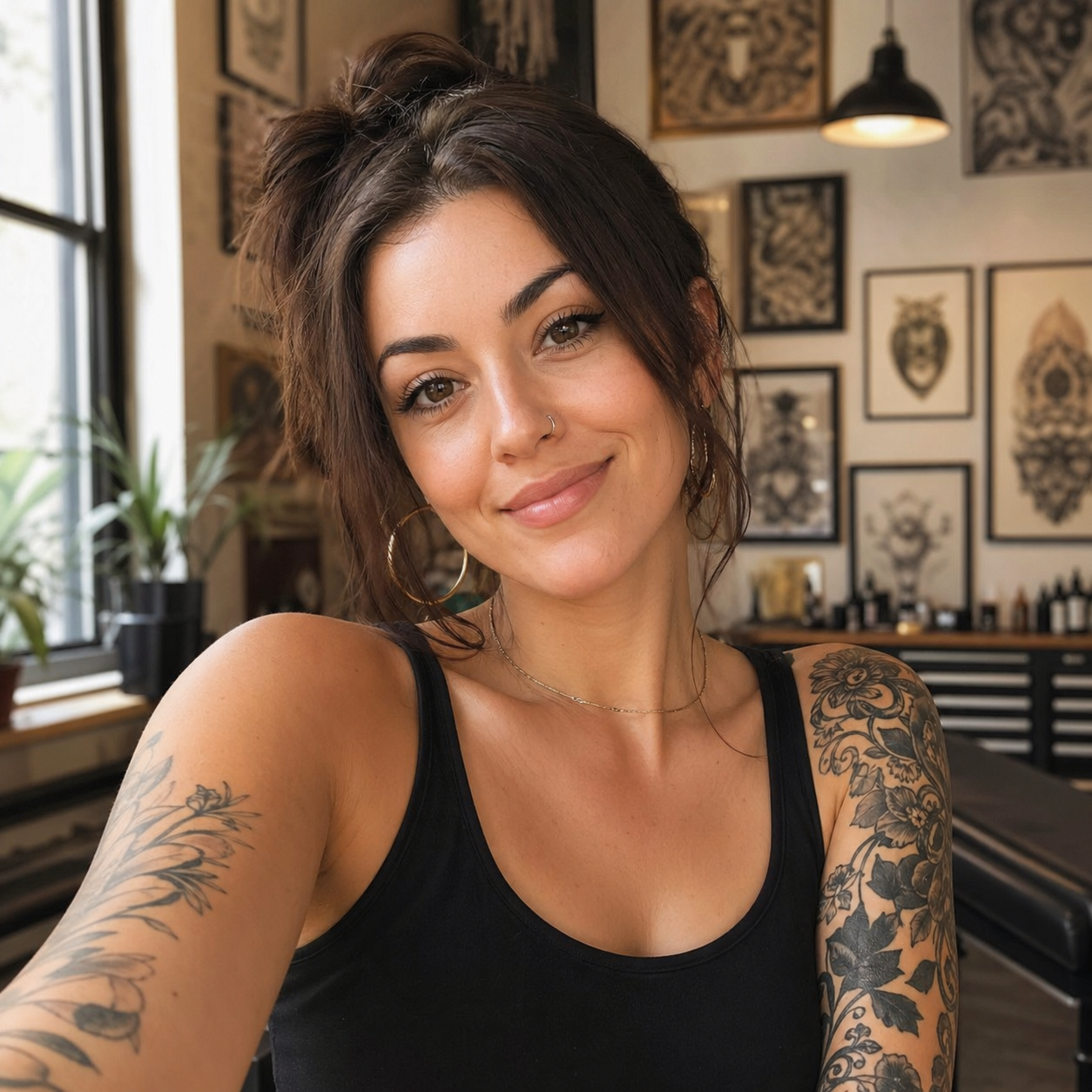
I had a tattoo I had wanted to remix for years, but I was scared to commit without knowing how it would actually look after the rework. Tattoo Editor let me upload my existing tattoo photo, circle the parts I hated most, and describe the vibe I wanted in a simple text prompt. The AI redesigned just those areas, kept what I liked, and showed me a realistic result with my chosen style applied. I tried three different body placements to see which worked best before even contacting an artist. Walking into the consultation with a clear redesign file made everything feel less intimidating and more exciting.
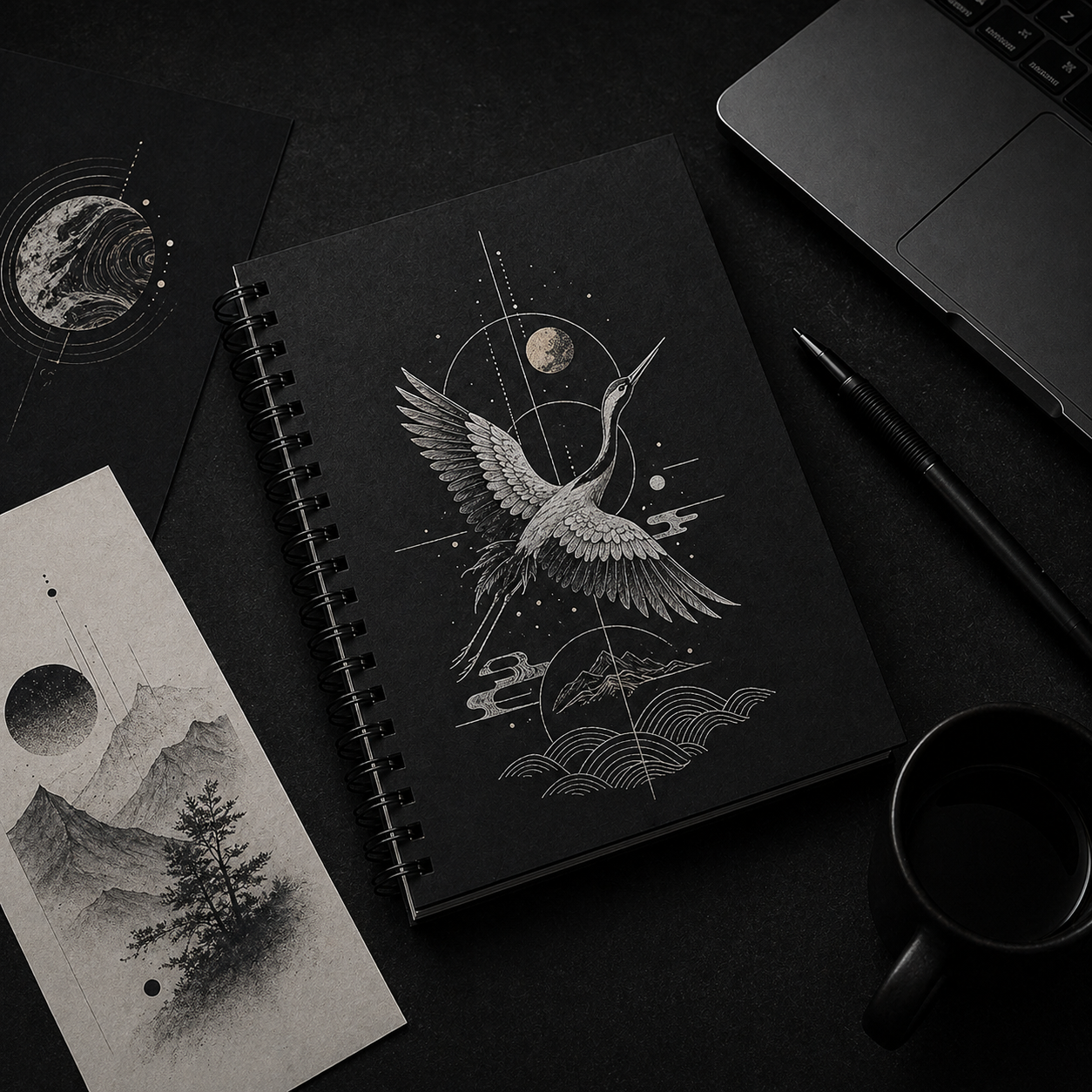
As a designer who works with tattoo studios on merchandise and campaign visuals, I needed a fast way to show clients how existing tattoo artwork could be remixed into fresh designs. Tattoo Editor became my go-to tattoo design editor for exactly that. I upload the original artwork, apply a custom style, adjust the dimensions, and generate a polished rework in minutes. The output is always clean, watermark-free, and high enough quality to go straight into a presentation deck. It has shortened my creative pitch process significantly and made clients much faster at giving feedback and approval.
No. Upload an image, circle what to change, type a short prompt, and the AI tattoo editor handles the redesign automatically.
A free mode covers core editing features with some usage limits. Paid plans unlock higher resolution exports and heavier studio usage.
Yes. Use the edit area tools in the dashboard to highlight specific regions for rework while leaving the rest untouched.
The style library includes 20+ options such as blackwork, realism, geometric, minimalist, and neo-traditional, plus custom prompts.
Free downloads include a watermark and standard quality. Paid exports remove the watermark and provide high-resolution files.