
Tattoo Enthusiasts & First-Timers
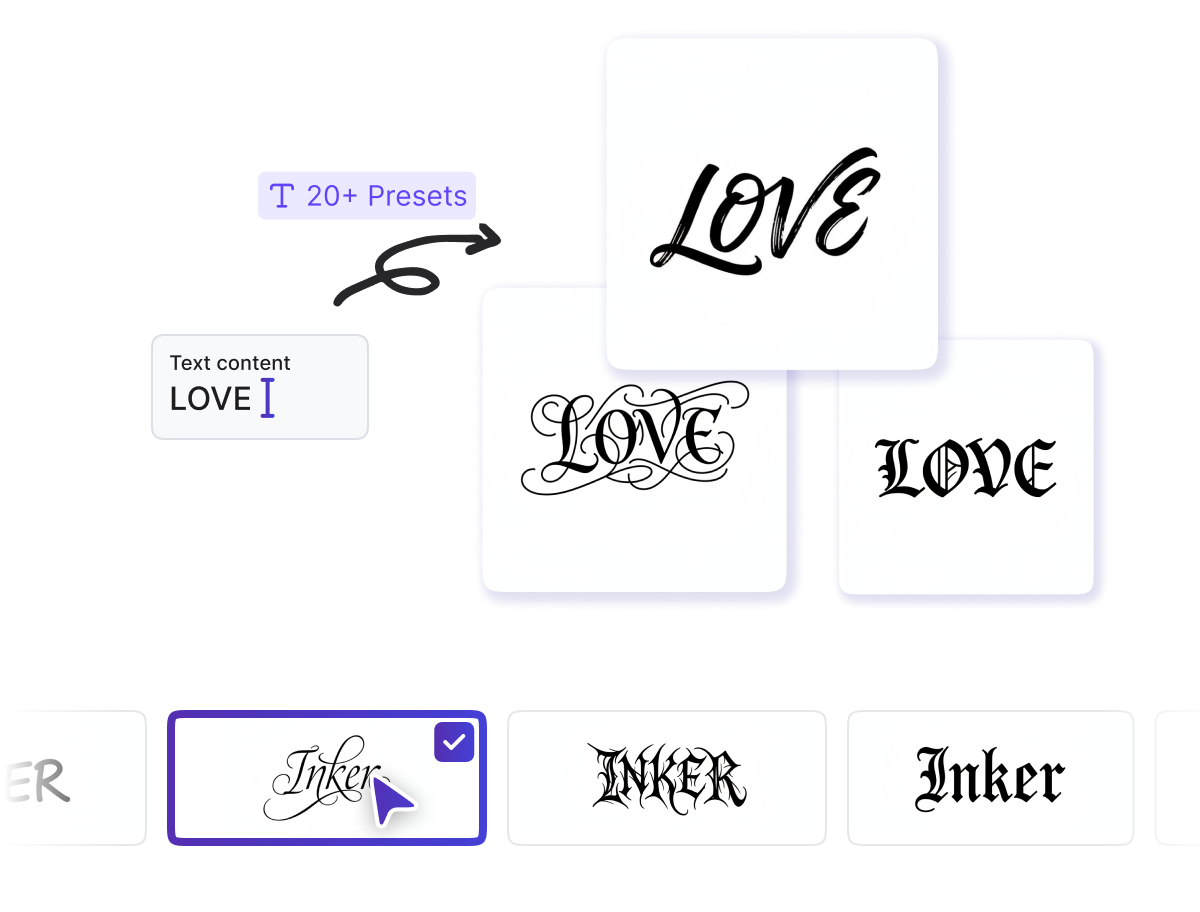
Tattoo fans type a meaningful word or phrase, browse 20+ font styles, and instantly see a clean stencil before committing to any real tattoo appointment.
Instantly generate a clean, high-quality tattoo stencil with one click. No design skills needed - just type, customize, and print.
 Pro
Pro 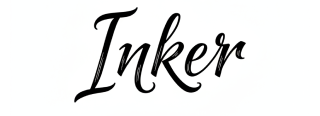
 Pro
Pro 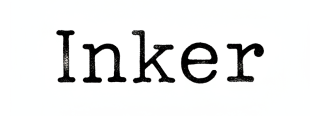
 Pro
Pro If you need polished lettering stencils without touching design software, Tattoo Font Generator is built for you.
Tattoo fans type a meaningful word or phrase, browse 20+ font styles, and instantly see a clean stencil before committing to any real tattoo appointment.

Artists generate client-ready lettering stencils in seconds, adjust font weight for placement, and print watermark-free, high-quality files without extra software.

Designers type custom text into Tattoo Font Generator to produce bold, tattoo-style lettering for posters, merch graphics, and social content at any weight or style.
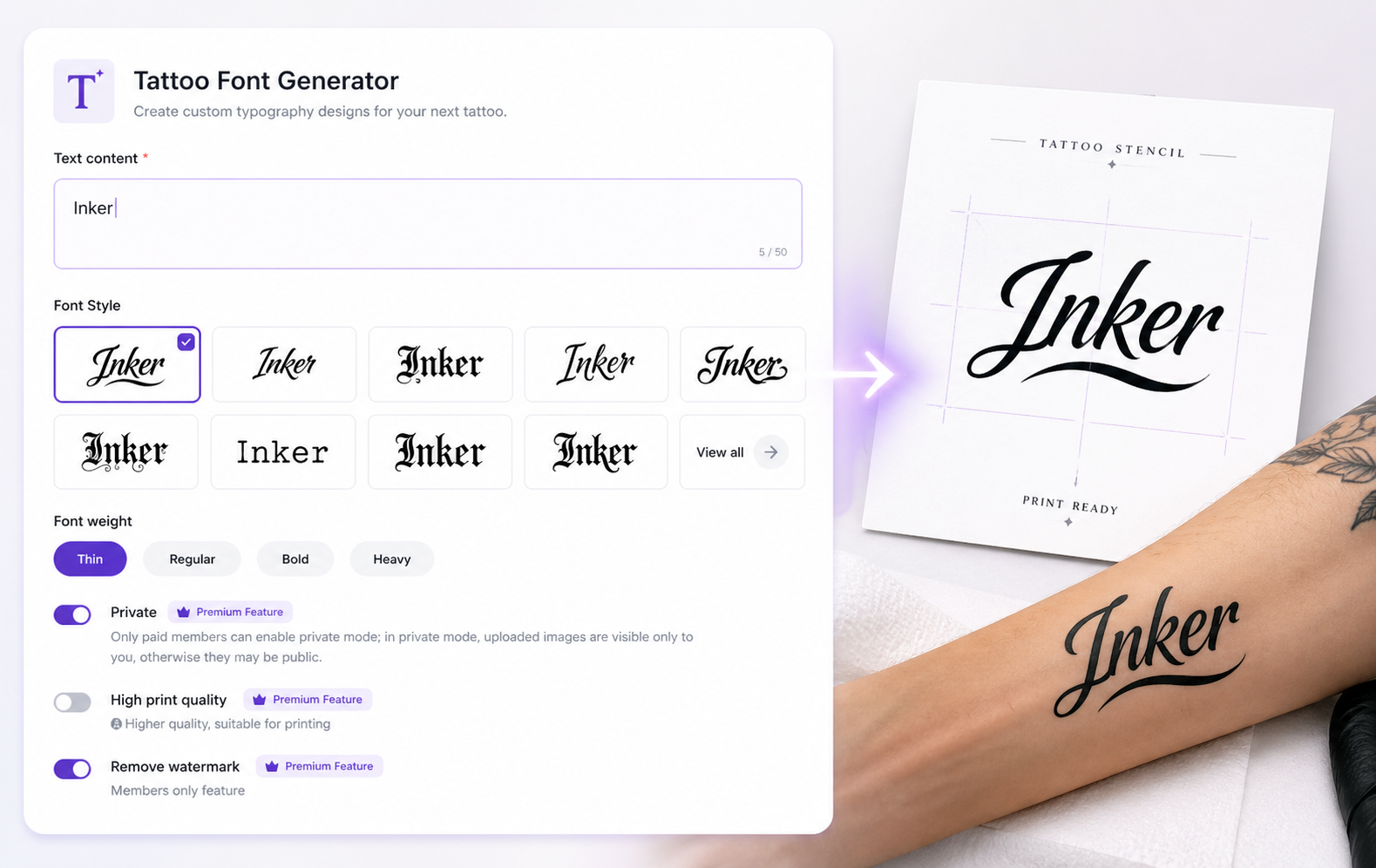
Tattoo Font Generator is a free online AI tool that converts typed text into clean, high-contrast tattoo lettering stencils. Type your phrase, pick from 20+ styles and font weights, click once, and continue into the full tool for export-ready results.
Create your dream birth flower tattoos with AI in seconds. You don’t need any design skills or to hire a professional designer. With our free online AI Birth Flower Tattoo Generator, you can effortlessly create beautiful and unique tattoo designs that truly represent you.
Enter any word, phrase, or quote into the text field and preview it instantly.
Browse styles, pick your preferred weight, and see live lettering previews.
Click once to finalize, then download a high-quality, watermark-free stencil file.
From font exploration to high-quality print output, every feature is designed to get your lettering stencil done fast, clean, and right.
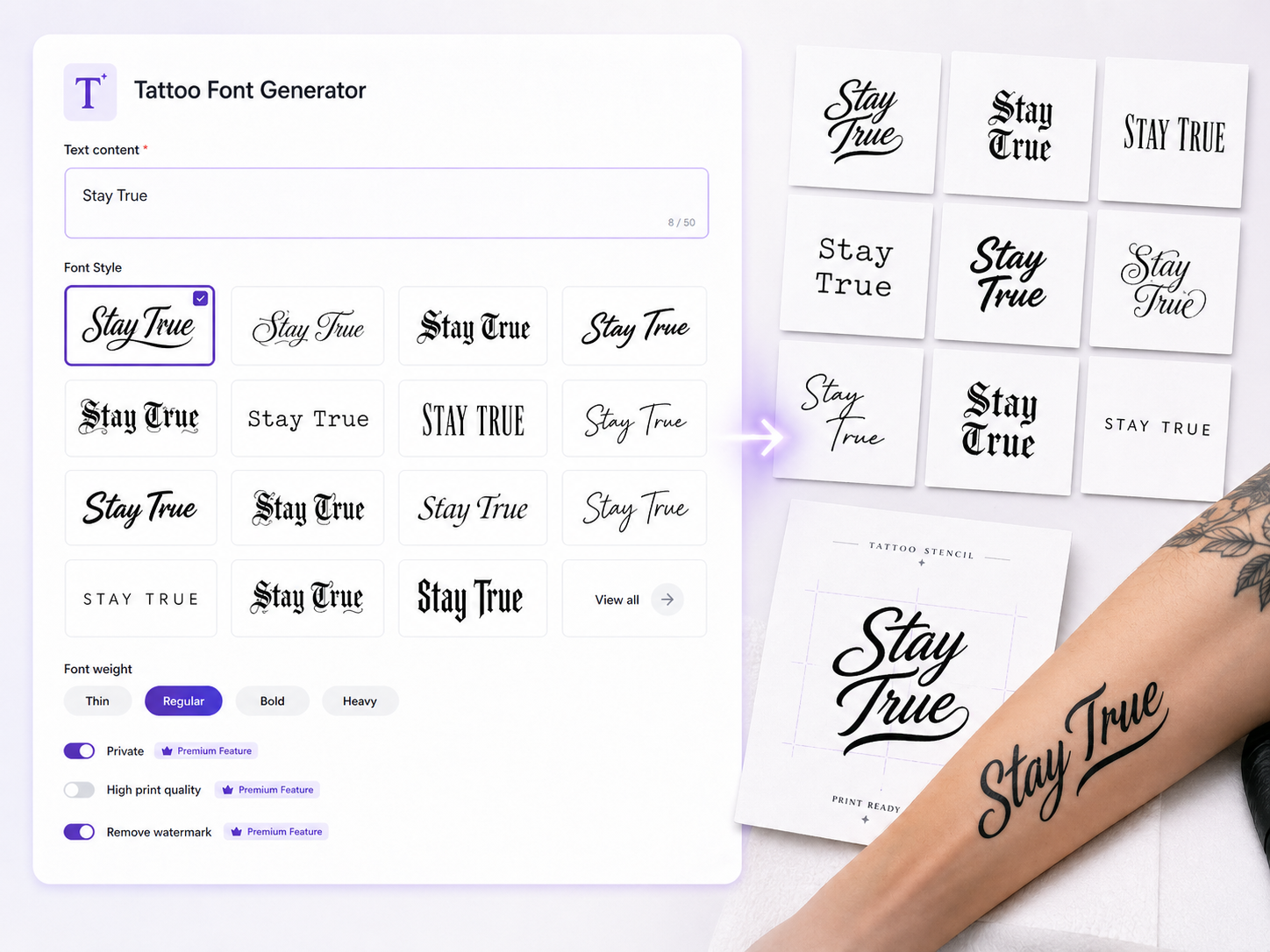
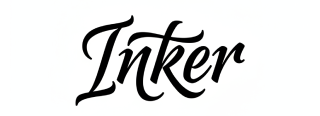
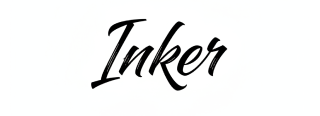
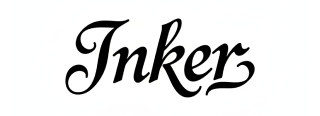
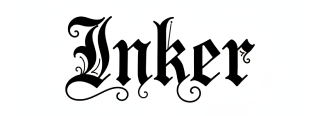
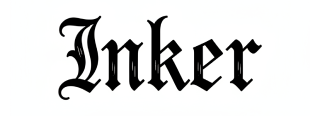
Browse over 20 curated styles - from classic scripts and gothic lettering to bold serif and minimalist sans - and instantly preview how each one looks with your exact text.
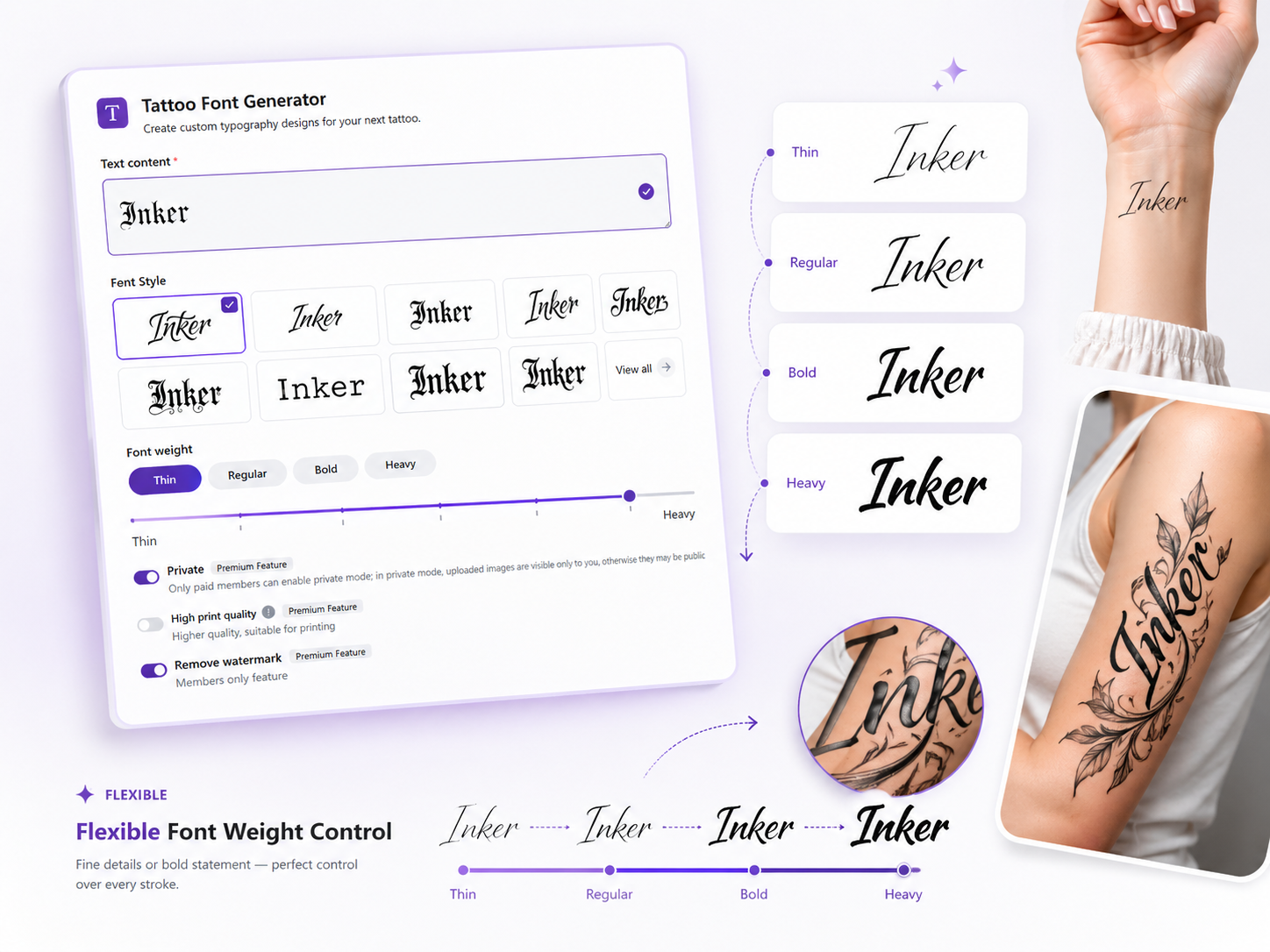
Adjust weight from delicate and fine to bold and heavy so lettering reads clearly on any placement, from small wrist pieces to large back or sleeve designs.
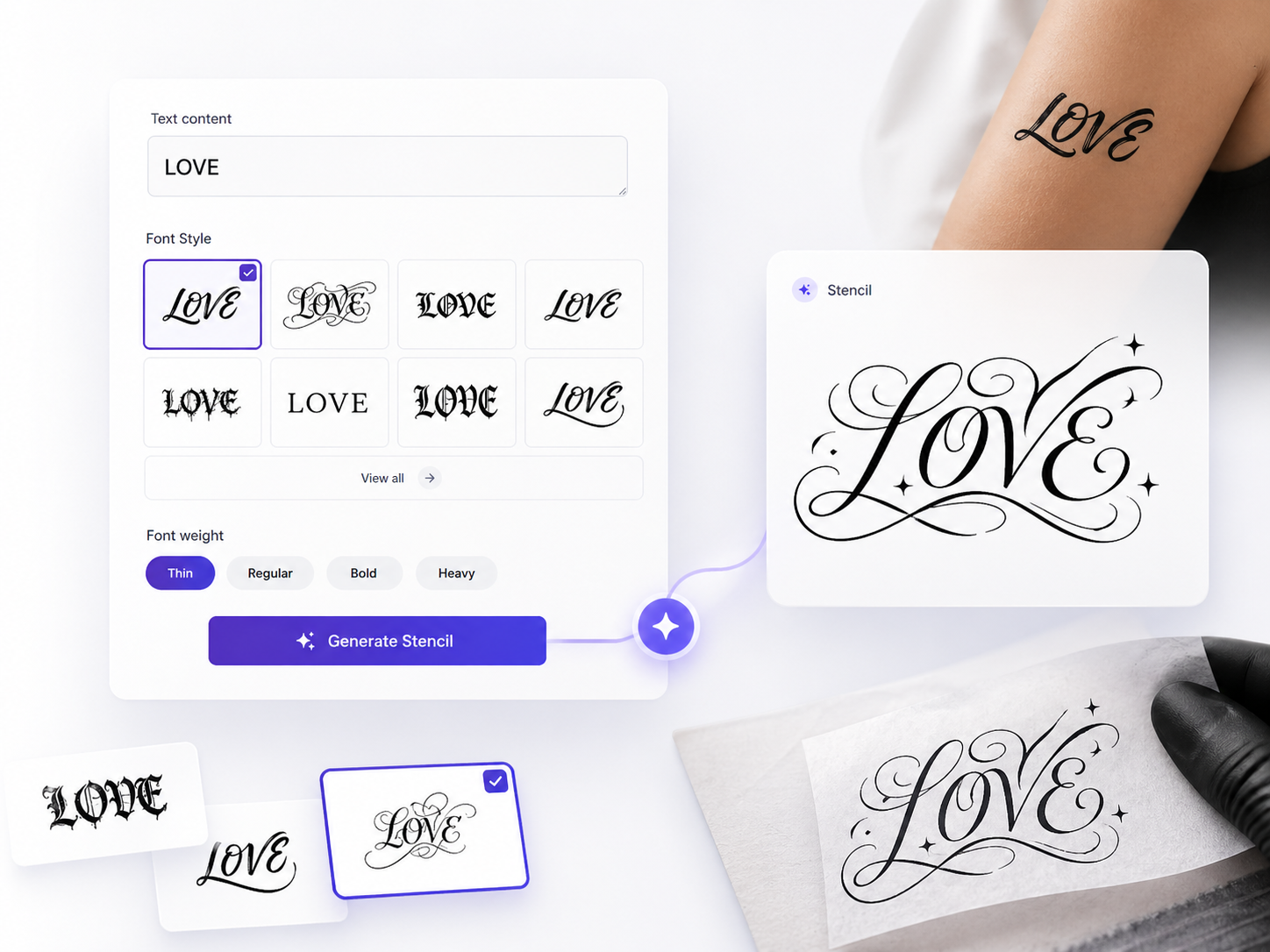
Type your text, set your style and weight, click once - AI instantly builds a clean, high-contrast stencil optimized for transfer with no manual tracing or design skills needed.
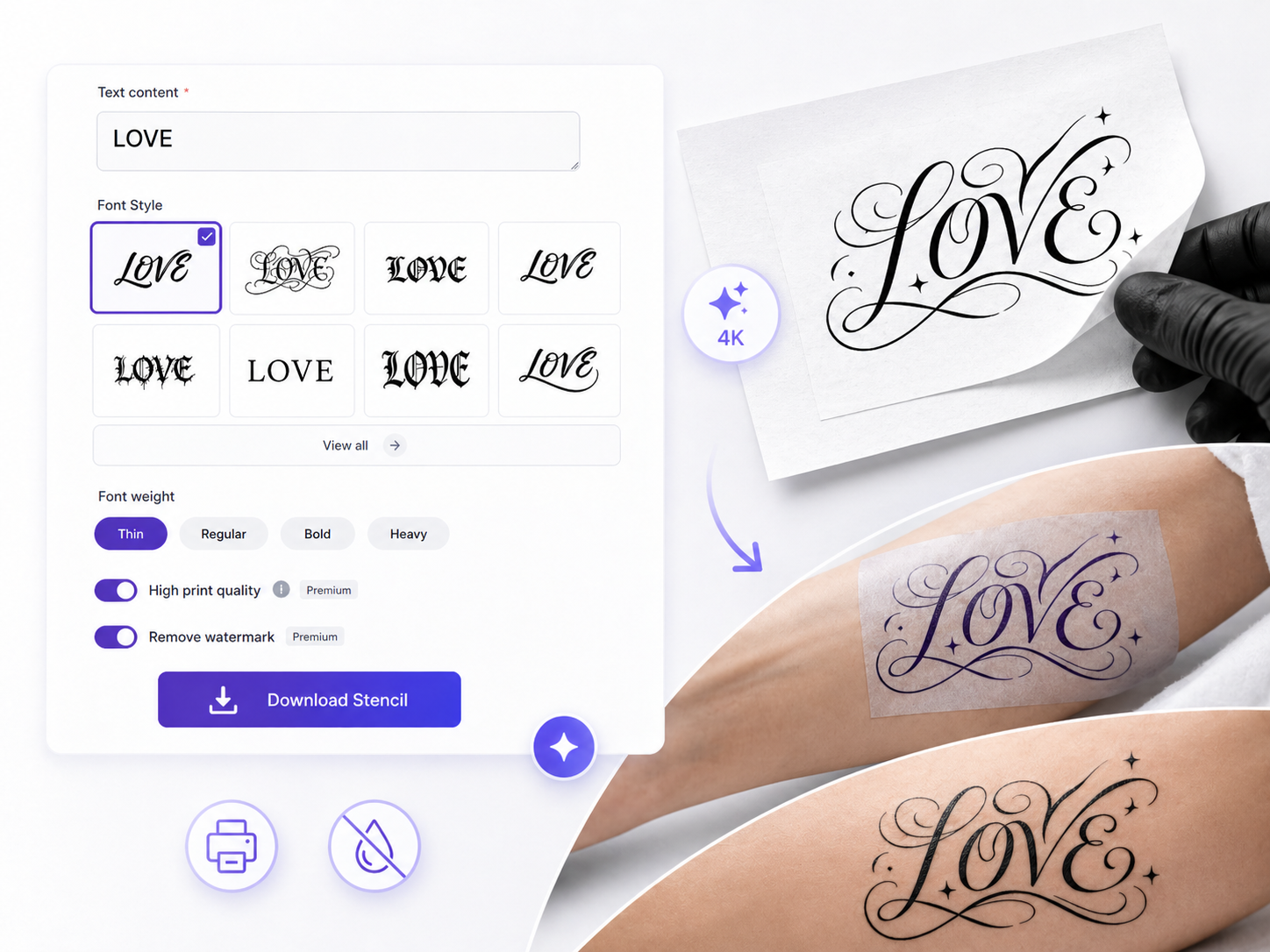
Every stencil downloads clean and watermark-free at high resolution, so it prints sharp on stencil paper and transfers onto skin without extra editing or cleanup steps.
Lettering tattoos are one of the most requested styles in my studio, but clients always struggled to explain the exact font feel they wanted. Now I open Tattoo Font Generator during the consultation, type the phrase live, and let the client browse styles and weights right in front of them. The AI generates a clean, high-contrast stencil in seconds - watermark-free and ready to print. It has completely changed how I handle lettering sessions. Less guessing, more confidence, and every client walks away feeling like they were part of the design process.

As an apprentice, lettering was the style I feared most - getting weight and spacing right felt like guesswork every time. Tattoo Font Generator let me type the same phrase across different weights and compare them side by side before printing anything. I learned how heavier weights hold up better on larger placements and how thin scripts work for wrist pieces, just by experimenting in the tool. Each downloaded stencil came out sharp and clean, so my practice sessions actually looked like real transfers. My mentor said my lettering improved faster than expected.

I had a short quote I wanted tattooed but had no idea which font would look right as real ink. I typed it into Tattoo Font Generator, scrolled through the style library, and had three clear favorites within minutes. The AI turned my chosen style into a clean stencil, removed the watermark, and gave me a high-quality file I could send directly to my artist. She said it was one of the clearest client-provided stencils she had ever received. For the first time, I felt like I actually designed my own tattoo.
No. Type your text, pick a style and weight, and the AI generates a clean print-ready lettering stencil for you.
A free mode covers core features with some usage limits. Paid plans unlock higher resolution exports and heavier studio usage.
There are 20+ curated styles available, from script and gothic lettering to bold serif and minimalist options.
Yes. Font weight controls let you go from light and fine to bold and heavy so the lettering fits the intended size and placement.
Free stencil downloads include a watermark and standard quality. Paid exports remove the watermark and provide higher resolution files.