
Tattoo Enthusiasts & First-Timers
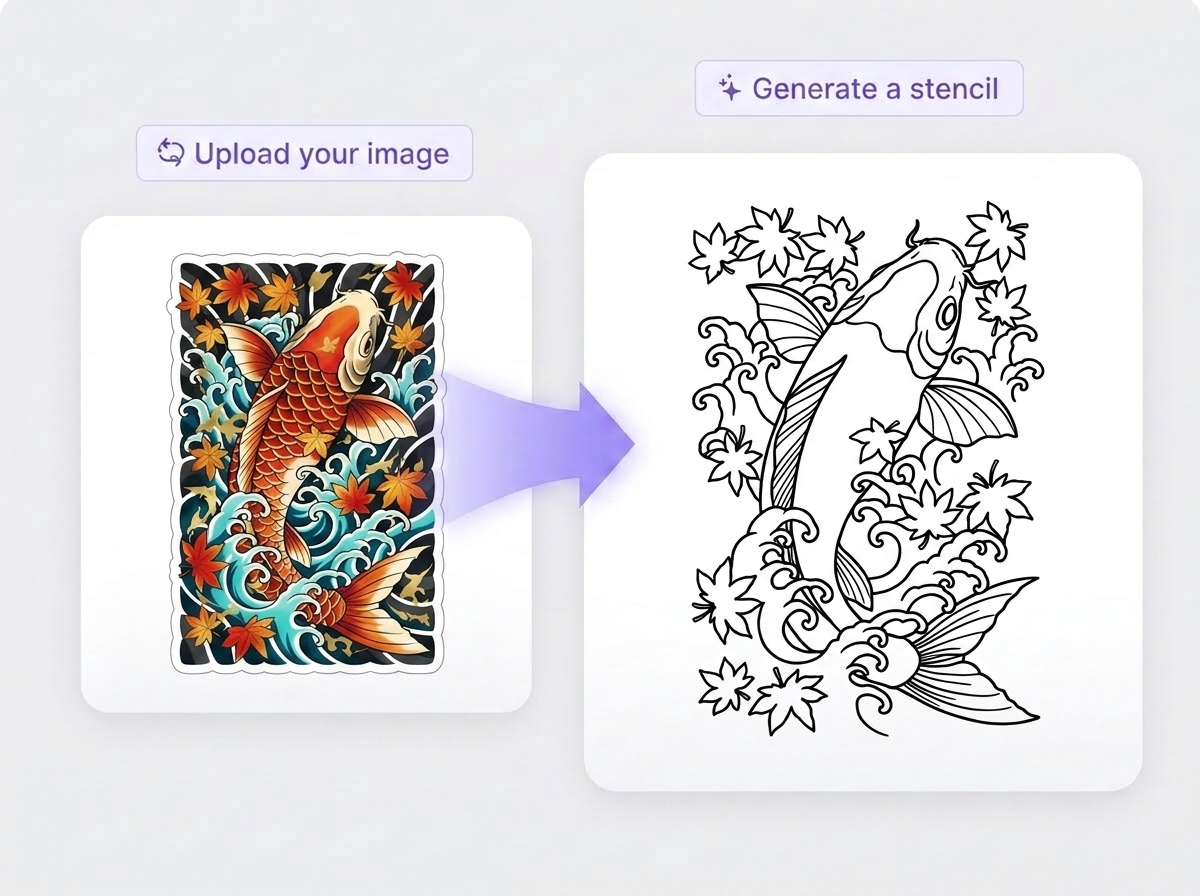
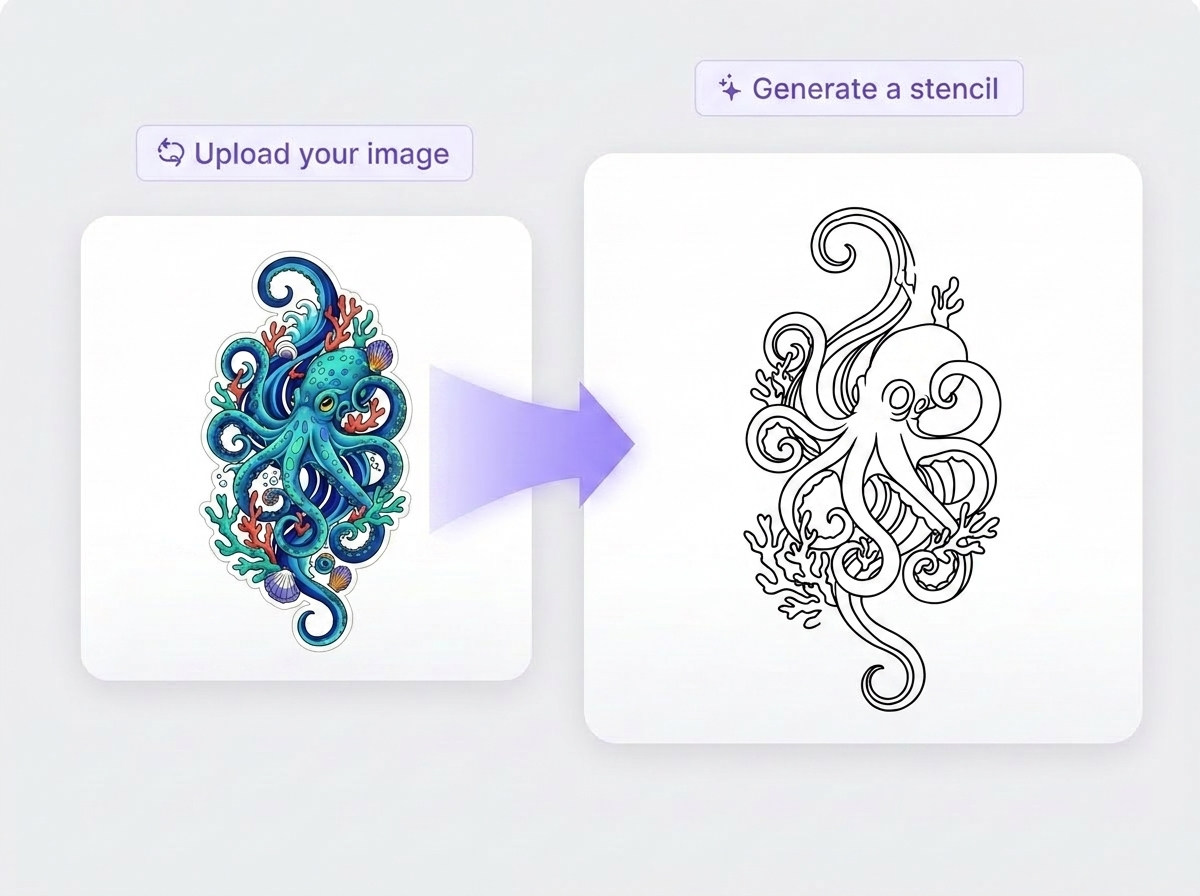
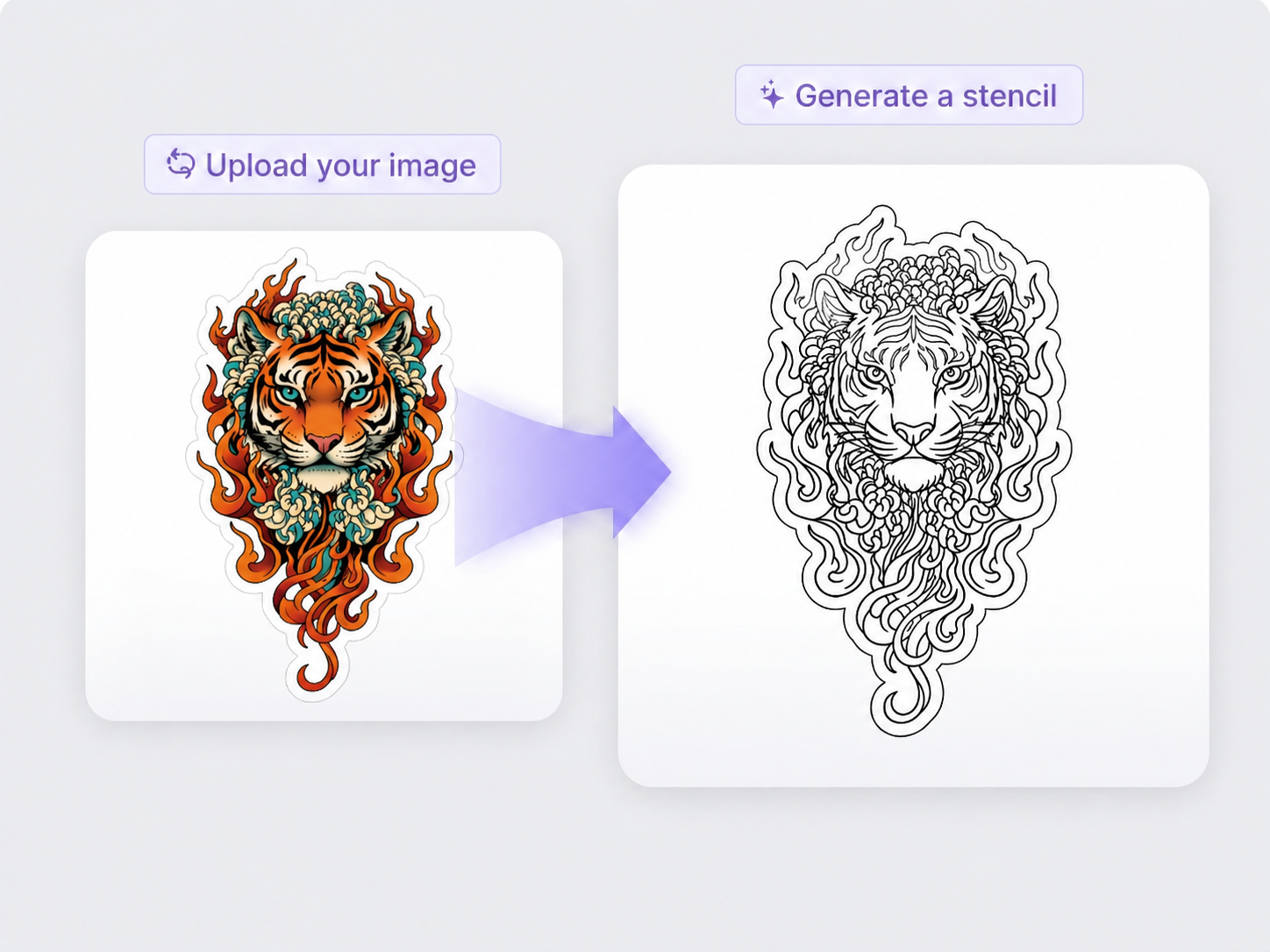
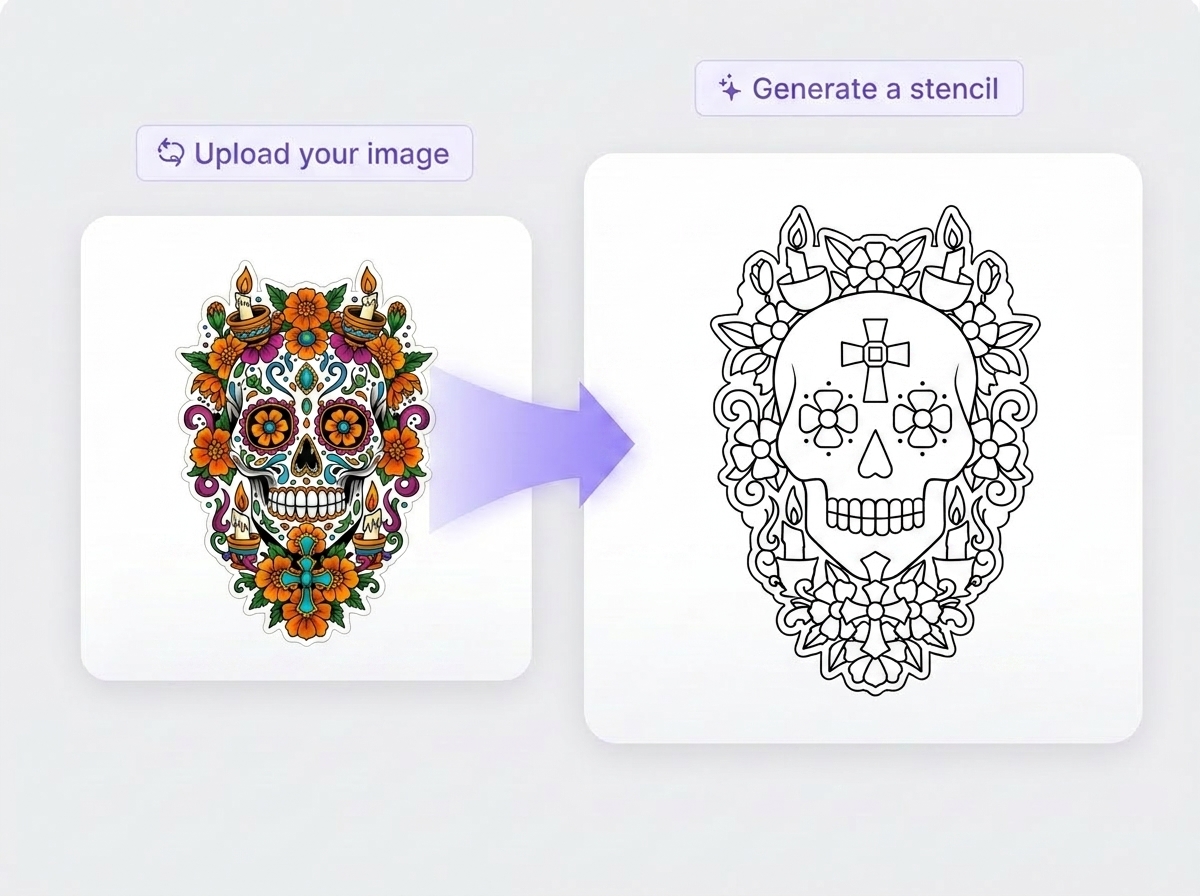
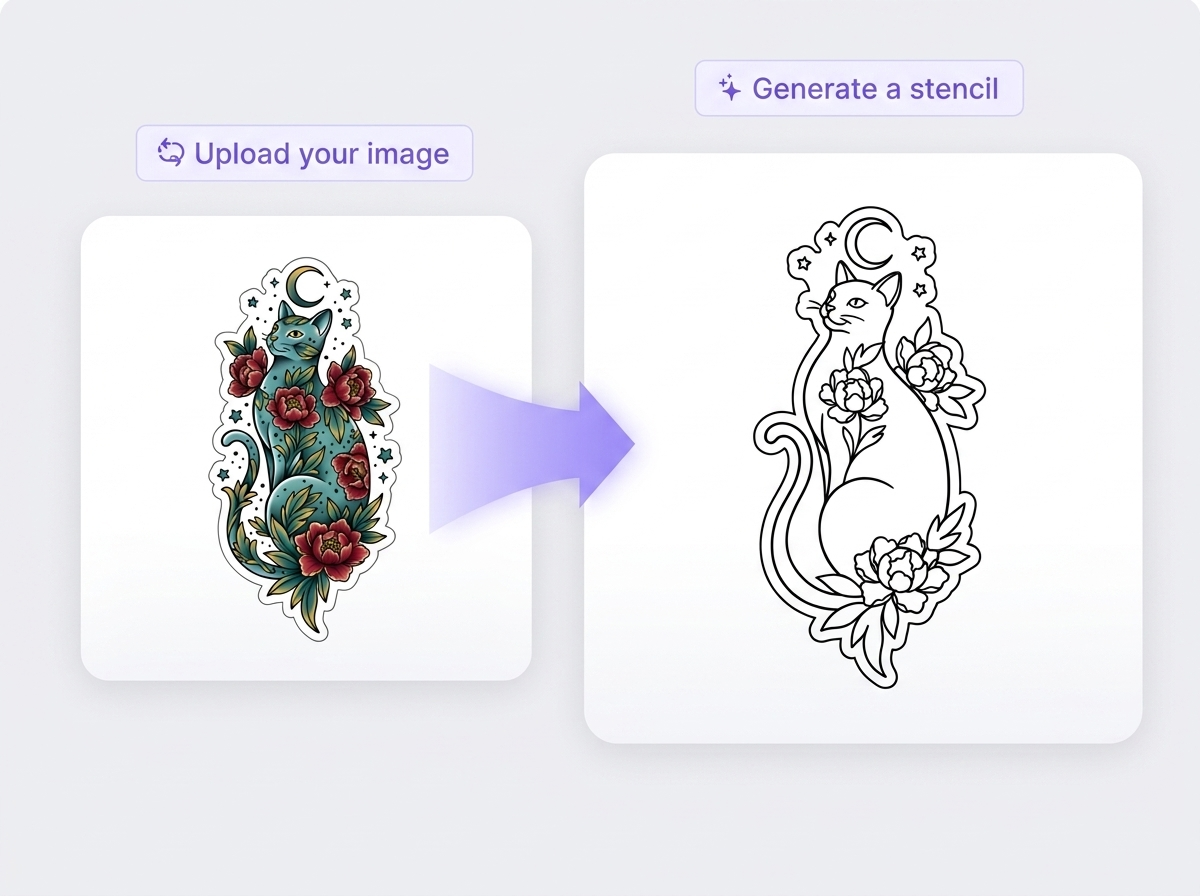
Tattoo fans upload personal photos and instantly see clean stencil versions, so they feel prepared, visual, and confident before committing to a real tattoo session.
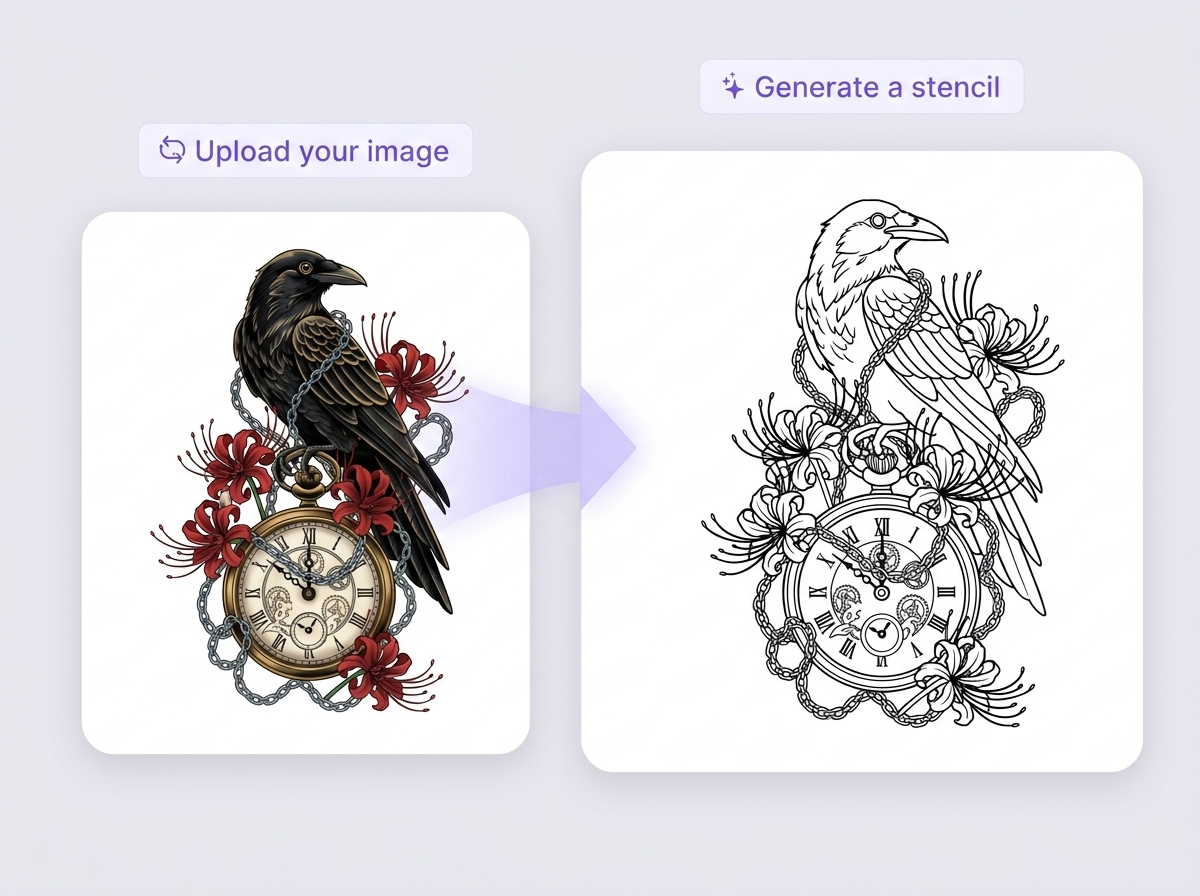
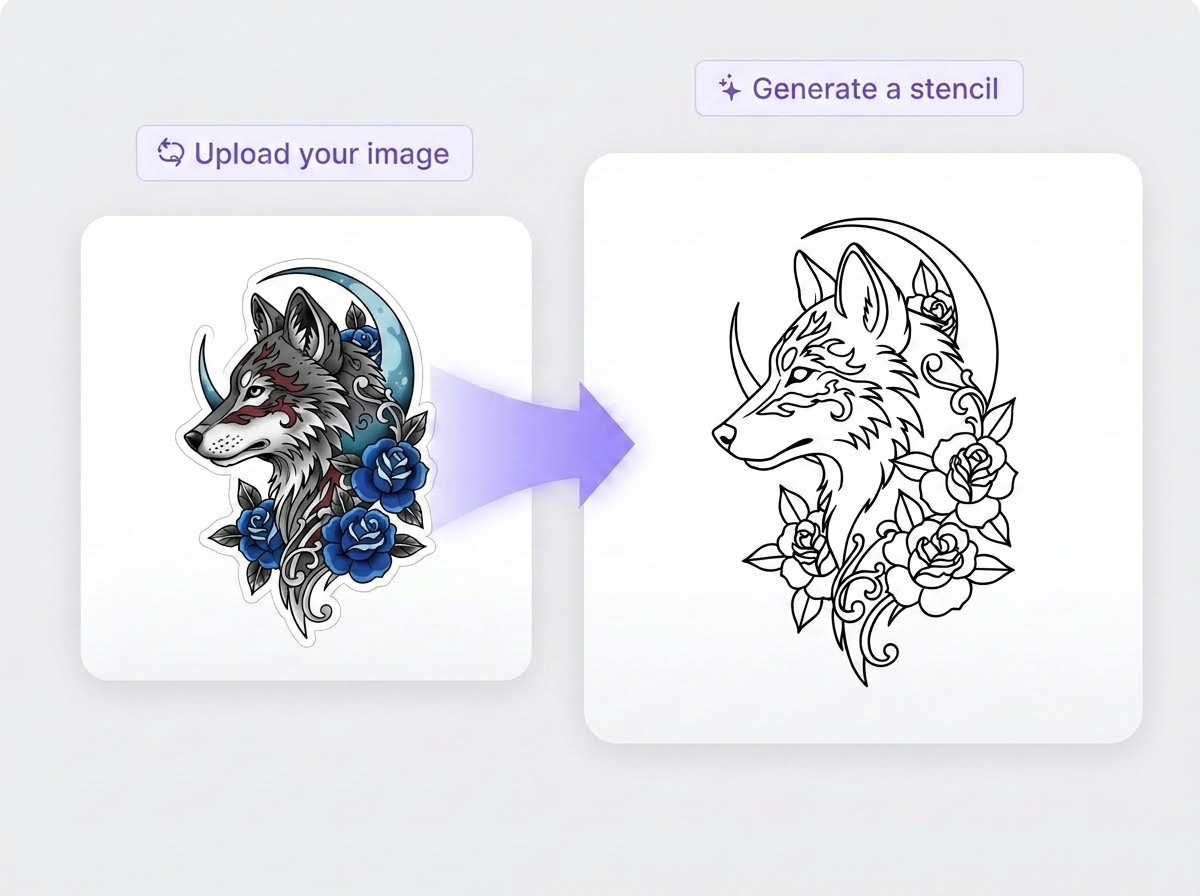
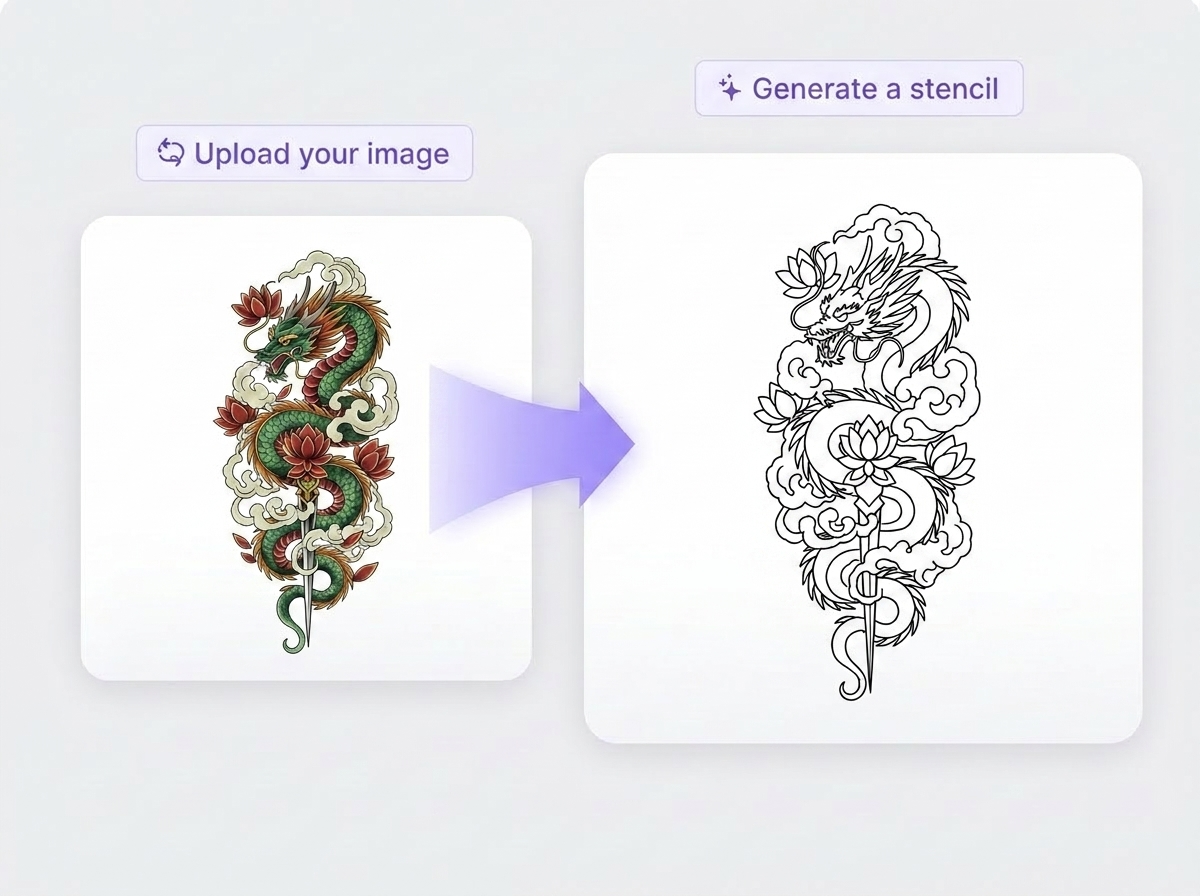
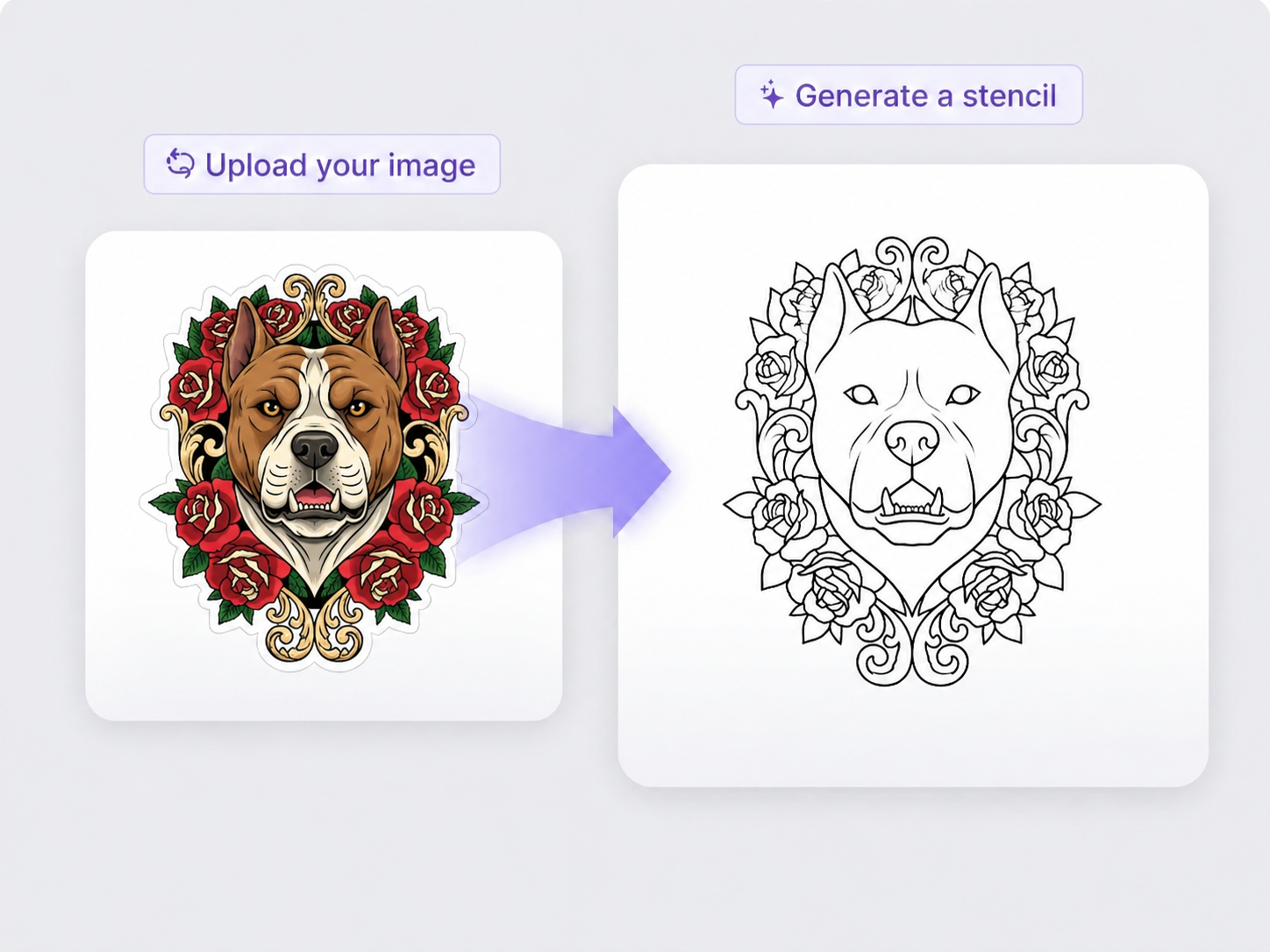
Stencil Maker is a free online stencil maker for tattoos that converts your photos into clean, printable tattoo stencils with one click.
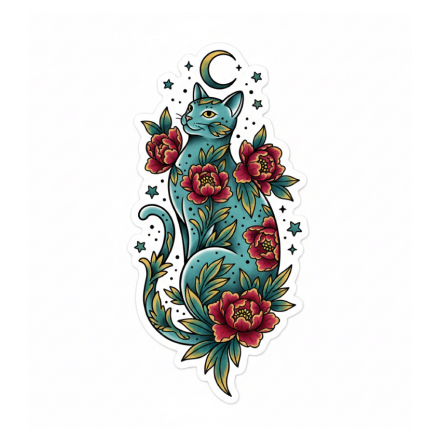
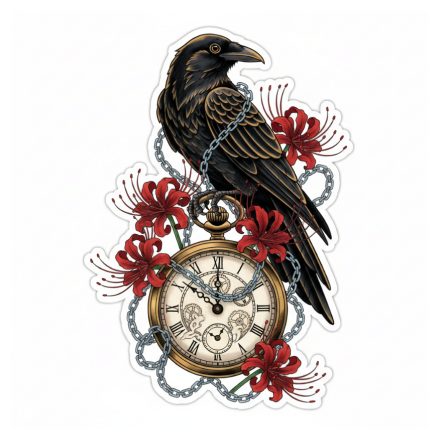
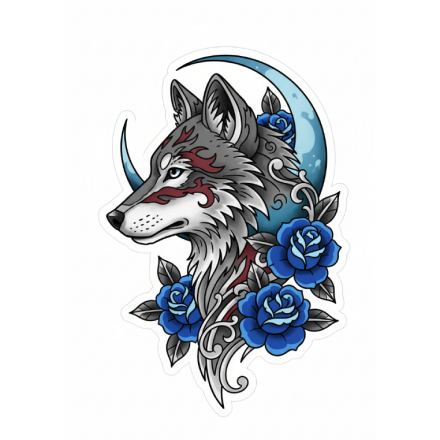
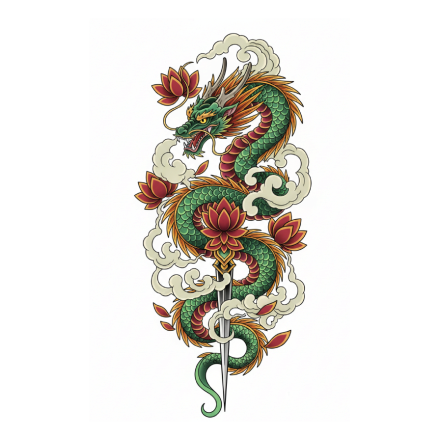
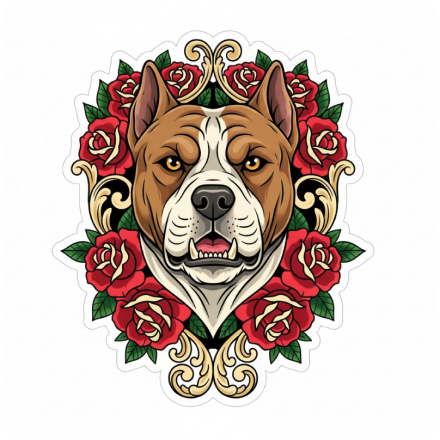
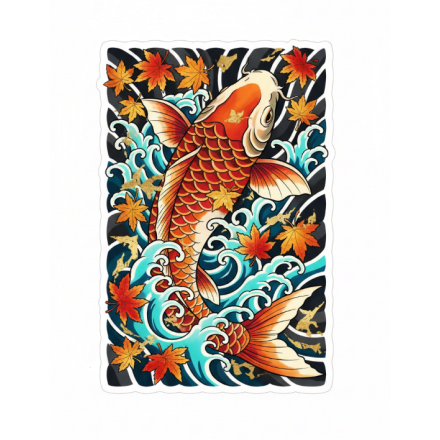
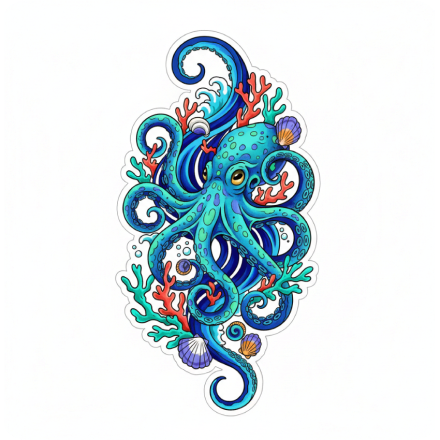
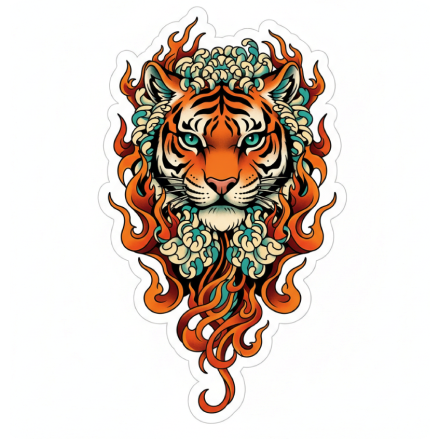
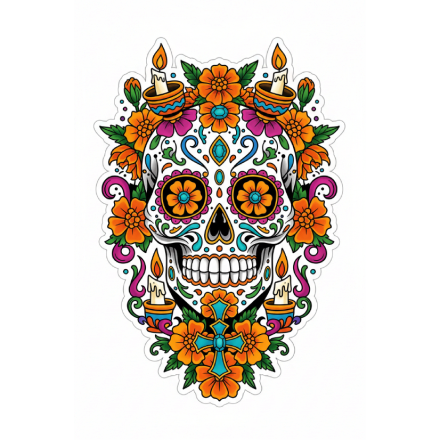
If you need fast, high-quality tattoo stencils without learning complex software, this online stencil maker is built for you.
Tattoo fans upload personal photos and instantly see clean stencil versions, so they feel prepared, visual, and confident before committing to a real tattoo session.

Busy artists drop in client photos, let AI build high-quality stencils, and save prep time while still delivering clean lines, accurate placement, and more consistent results.

Designers feed photos into Stencil Maker to generate tattoo-style outlines, speeding up concept art, merch graphics, and social visuals inspired by real ink aesthetics.
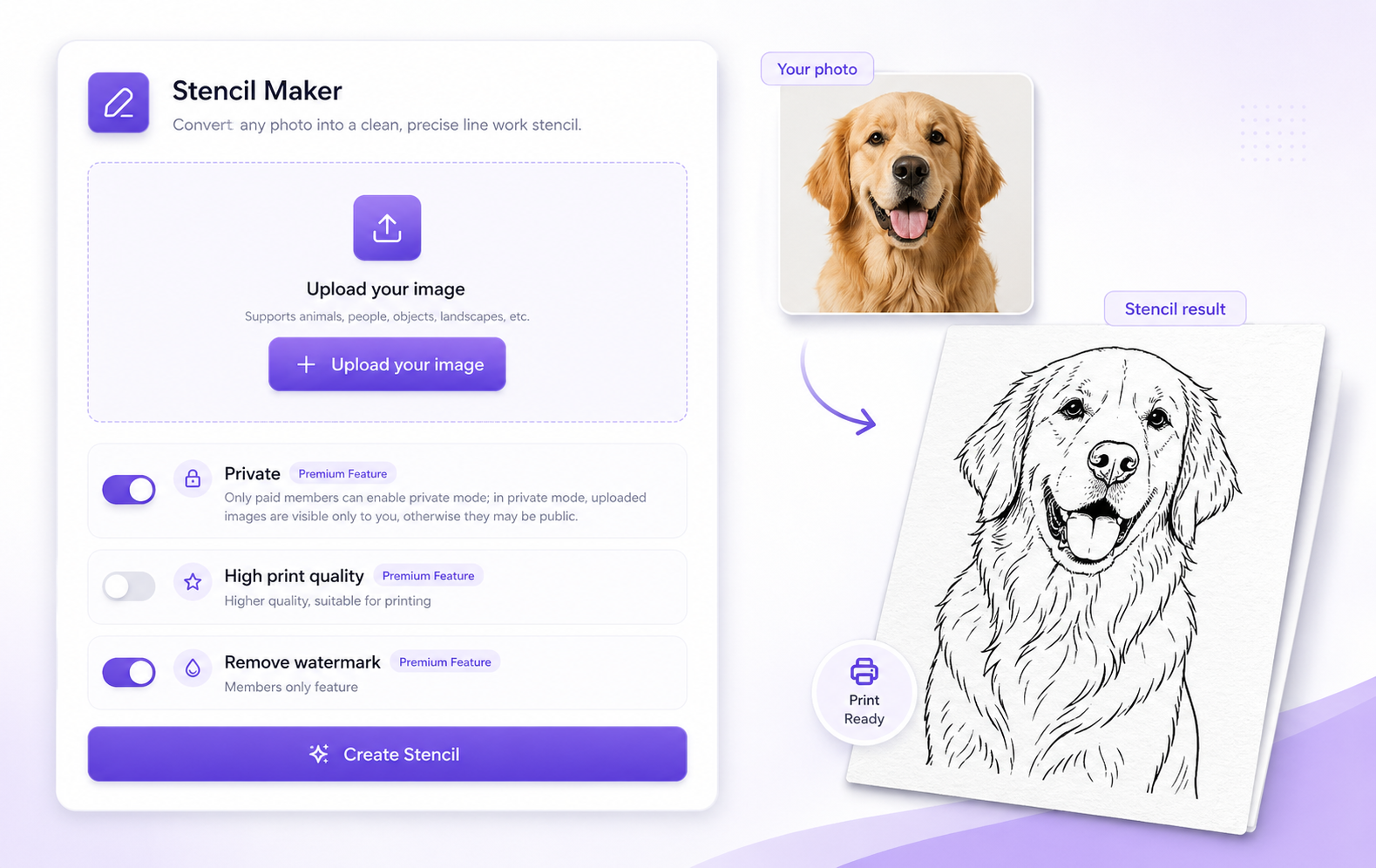
Stencil Maker is an online AI tattoo stencil maker that converts suitable photos into clear, high-contrast stencil files for studio use. Upload a picture, click once, and continue into the full tool for history, exports, and higher quality output.
Create your dream birth flower tattoos with AI in seconds. You don’t need any design skills or to hire a professional designer. With our free online AI Birth Flower Tattoo Generator, you can effortlessly create beautiful and unique tattoo designs that truly represent you.
Open Stencil Maker, upload a clear photo, and preview your design instantly.
Click once to let AI trace the photo into a clean, tattoo-ready stencil.
Download the high-quality stencil file and print it on your usual stencil paper.
Move from uploaded photos to clean, studio-ready tattoo stencils in minutes, with smart AI features that work for beginners and professionals.
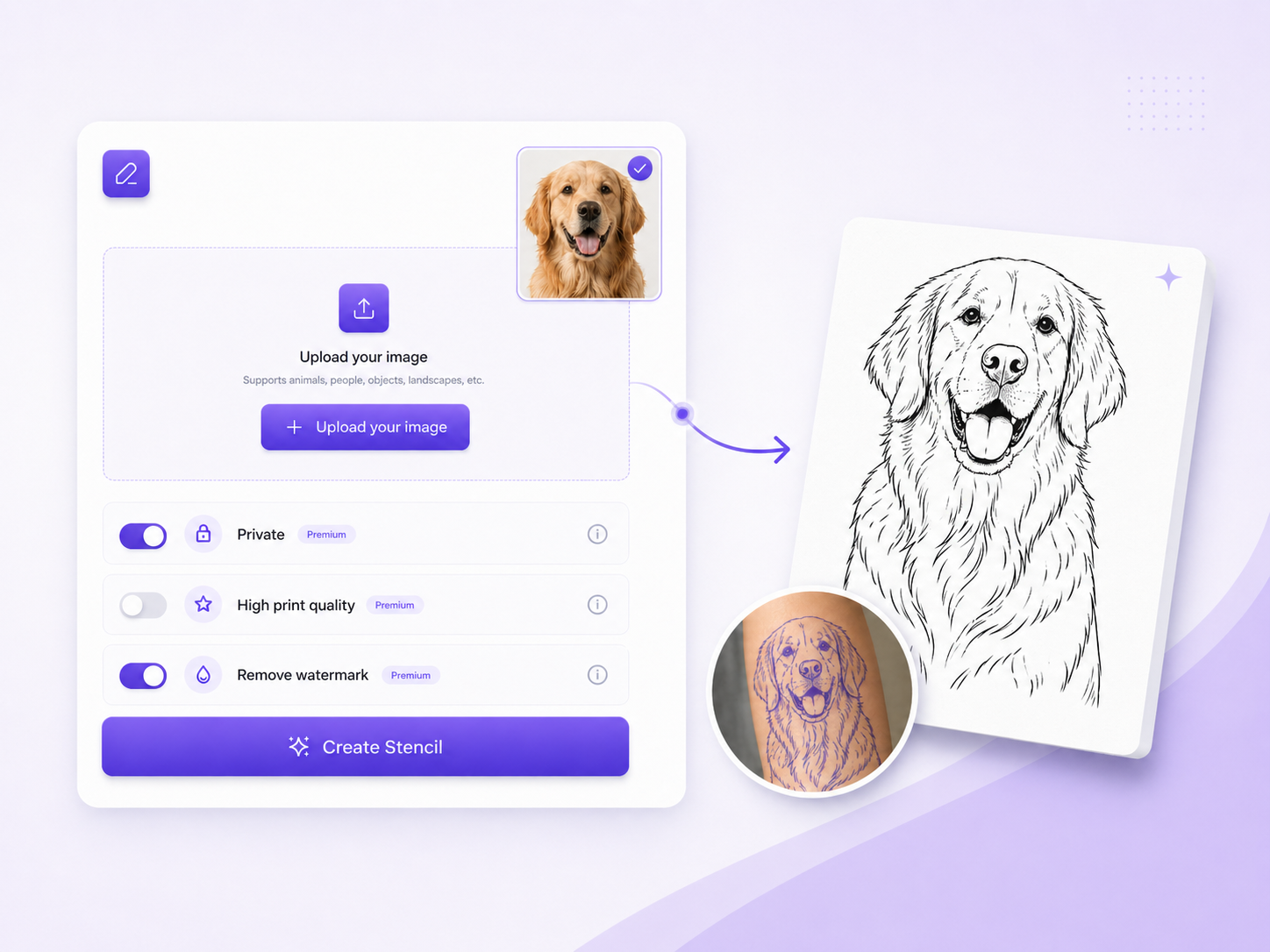
Upload a clear photo and let Stencil Maker instantly trace it into a clean outline, boosting contrast and simplifying backgrounds so your tattoo stencil is easy to follow.
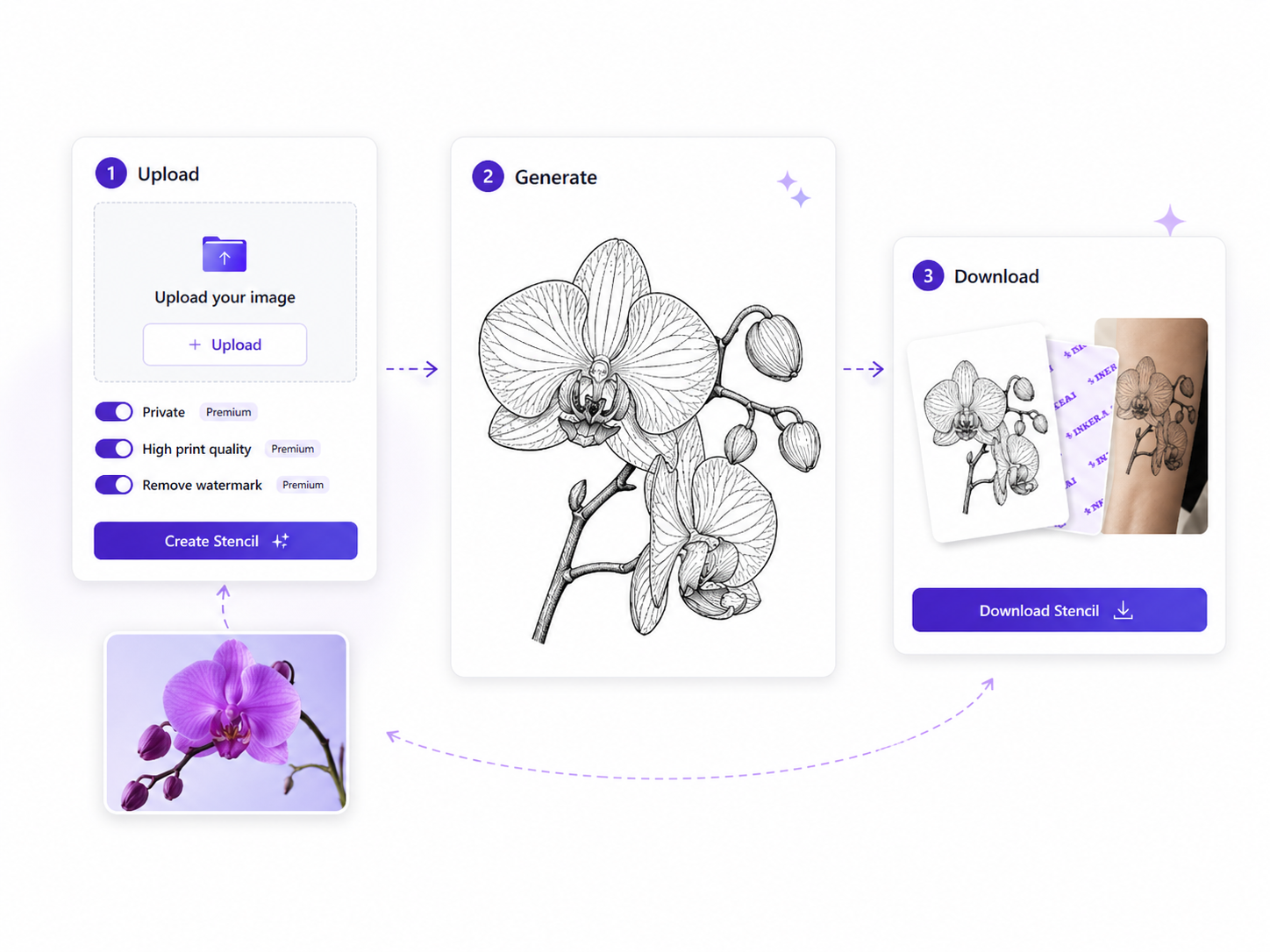
Follow a simple three-step flow-upload, generate, download-so even first-time users can create reliable stencils without learning complex settings or how to make a tattoo stencil.
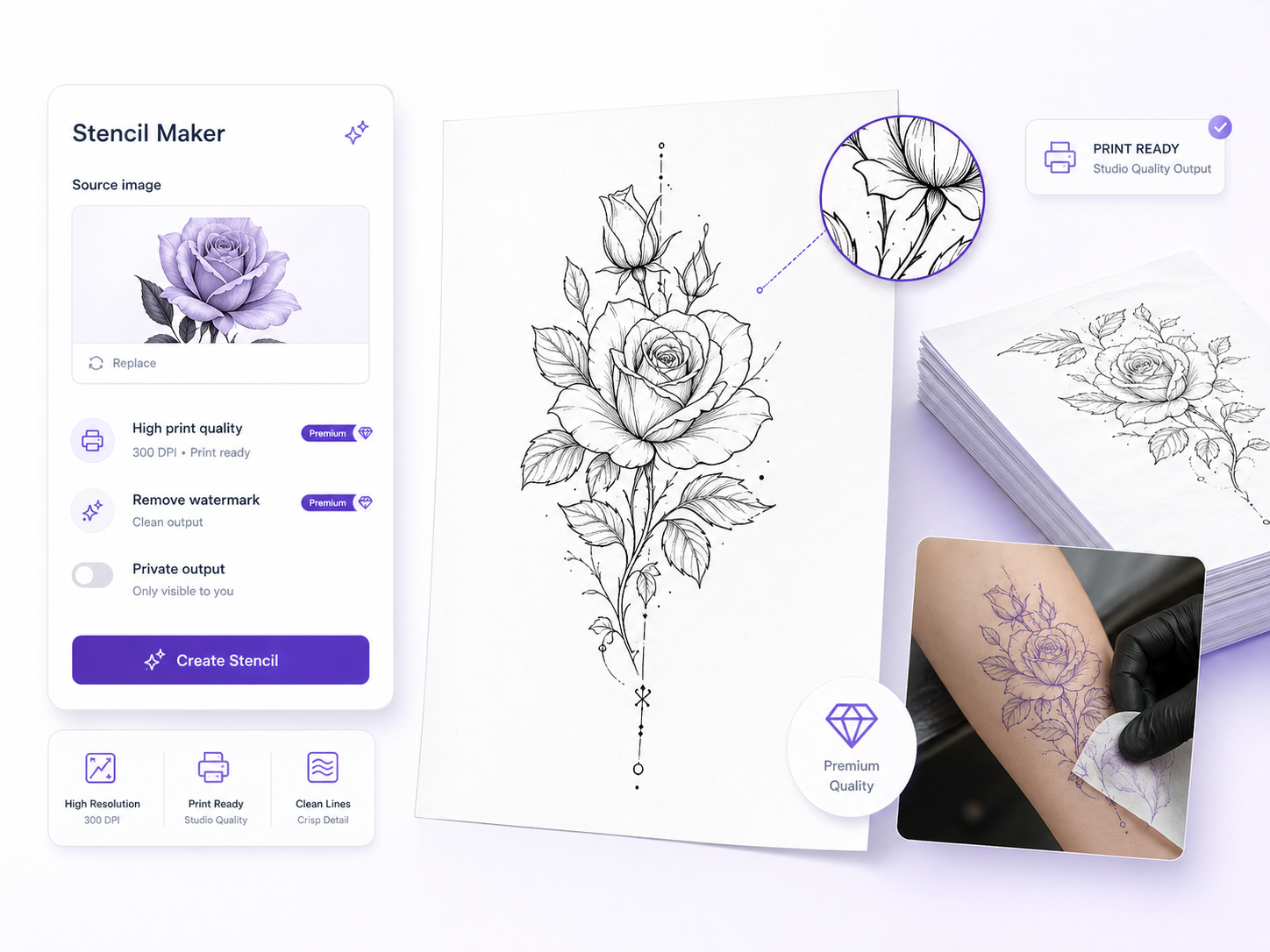
Generate sharp, high-resolution stencils that print cleanly on stencil paper, helping studios avoid faint lines, muddy shapes, and repeated reprints during busy tattoo days.
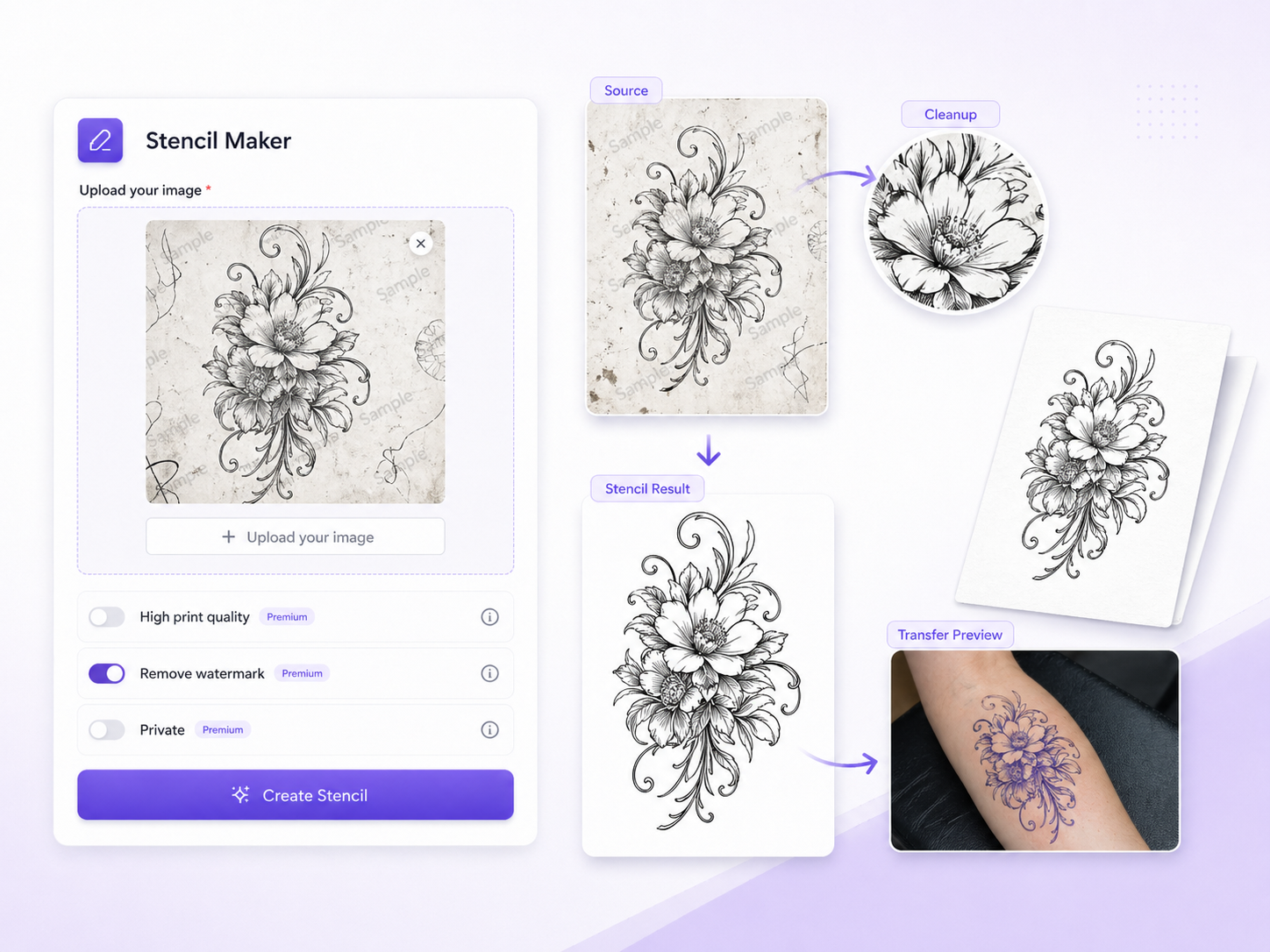
Process reference photos through the stencil creator to reduce noise, hide distracting watermarks, and keep only essential lines, turning imperfect screenshots into usable stencil files.
As a studio artist, clients constantly bring phone photos and expect to see them as tattoos the same day. Before Stencil Maker, I spent far too long tracing images or fixing low-quality screenshots just to get a usable stencil. Now I upload the photo, click once, and let the AI tattoo stencil maker handle the heavy lifting. It cleans up the picture, sharpens the lines, and gives me a clear, print-ready stencil I can trust on skin. My prep time is shorter, my stencils are more consistent, and I can fit more actual tattooing into every day.
When I started apprenticing, I knew how to draw but not how to turn those drawings into reliable stencils. Every time I tried to figure out how to make a tattoo stencil in other software, I ended up overwhelmed by tools and settings. With Stencil Maker, I simply upload a sketch or reference photo and let the AI convert it into a clean, high-contrast outline. Seeing the before-and-after helps me understand what a good stencil should look like. Now I practice with confidence, instead of worrying that my stencil will fall apart during the session.
For my first tattoo, I really wanted to use a personal photo but had no clue how to get it ready for my artist. I found Stencil Maker, uploaded the picture, and watched the AI turn it into a simple, clean stencil in seconds. The tool removed distractions, kept the important details, and let me download a file I could easily share. When I sent it to my artist, they immediately knew how to place and size it. Walking into the studio with a clear stencil made me feel prepared and excited instead of nervous about the outcome.
No. Upload a clear photo, adjust a few simple options in the dashboard if needed, and let Stencil Maker handle tracing and cleanup.
Stencil Maker has a free mode for core features, with usage limits on advanced output. Paid plans unlock higher quality and more control.
Yes. The tool focuses on clean lines and strong contrast so artists can use the result as a practical starting point.
Yes. You can open it in the browser on desktop, laptop, or tablet, then download or print later.
Clear photos with a visible main subject work best. Avoid very dark, blurry, or heavily filtered images when possible.